Help Guide
Interchangeable Lens Digital Camera
ZV-E1
List of default setting values (Network)
The default setting values at the time of purchase are shown in the following table.
To reset settings to the default values
Select MENU →
(Setup) → [Reset/Save Settings] → [Setting Reset] → [Camera Settings Reset] or [Initialize] →
[Enter].
Initialize: All the settings of the camera will be reset to the default values.
Camera Settings Reset: Items that can be reset are limited. See the following table.
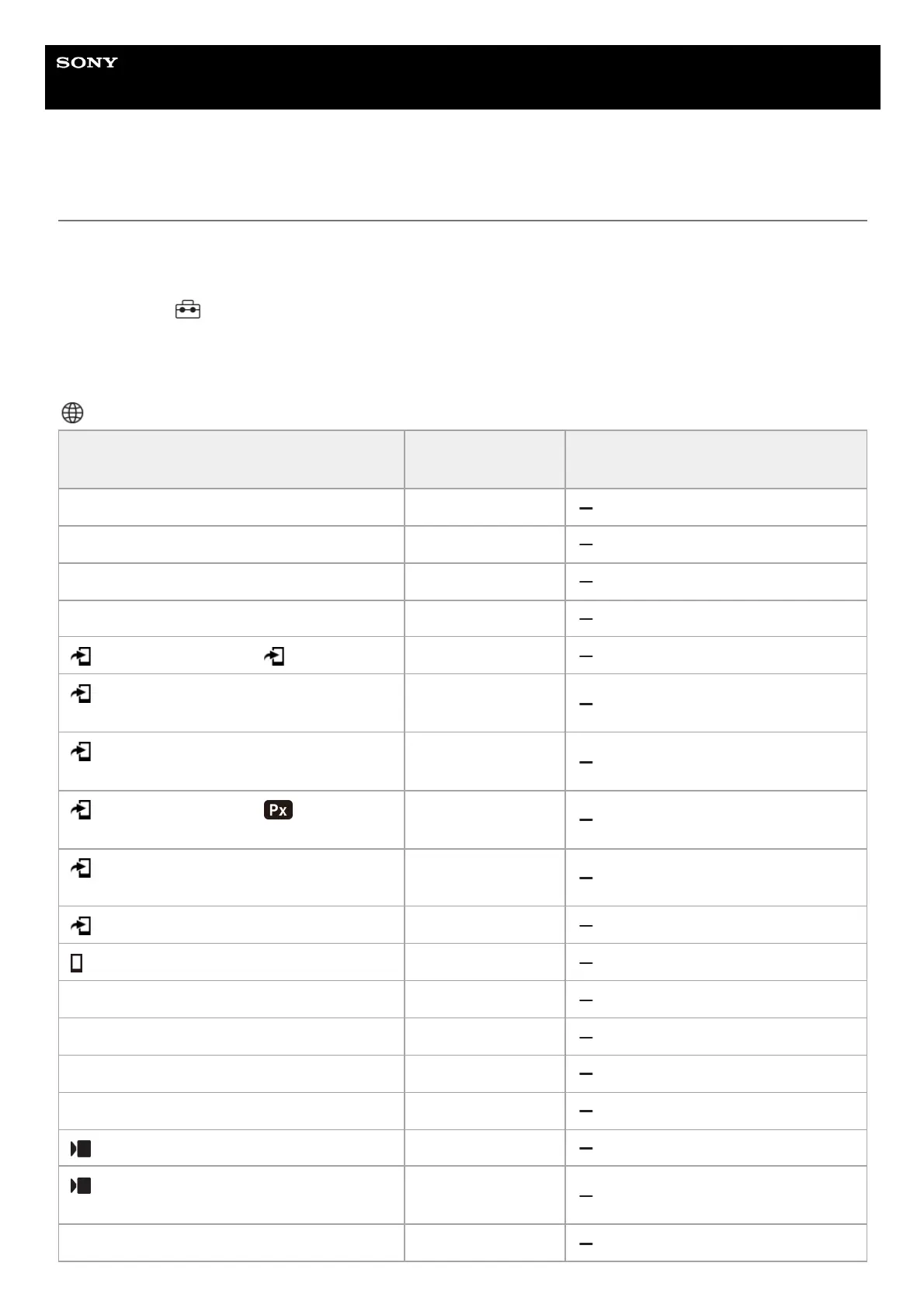
(Network) tab
MENU item
Default setting
value
Resettable using [Camera Settings
Reset]
Smartphone Connection —
PC Remote Function (PC Remote) Off
PC Remote Function (Pairing) ―
PC Remote Function (Wi-Fi Direct Info.) ―
Select on Cam & Send ( Send) ―
Select on Cam & Send (Size of Sending
Image)
2M
Select on Cam & Send (RAW+J/H Send
Target)
JPEG & HEIF
Select on Cam & Send ( Sending
Target)
Proxy Only
Select on Cam & Send (Movie with Shot
Mark)
Cut to 15 seconds
Reset Transfer Status —
Cnct. while Power OFF Off
Remote Shoot Setting (Still Img. Save Dest.) Dest.+Camera
Remote Shoot Setting (Save Image Size) 2M
Remote Shoot Setting (RAW+J Save Image) JPEG Only
Remote Shoot Setting (RAW+H Save Image) HEIF Only
USB Streaming (Output Res/Frame Rate) HD(1080p) 30p
USB Streaming (Movie Rec During
Streaming)
Disable
Wi-Fi Connect Off



 To Next Page