Help Guide
Interchangeable Lens Digital Camera
ZV-E1
List of default setting values (Setup)
The default setting values at the time of purchase are shown in the following table.
To reset settings to the default values
Select MENU →
(Setup) → [Reset/Save Settings] → [Setting Reset] → [Camera Settings Reset] or [Initialize] →
[Enter].
Initialize: All the settings of the camera will be reset to the default values.
Camera Settings Reset: Items that can be reset are limited. See the following table.
(Setup) tab
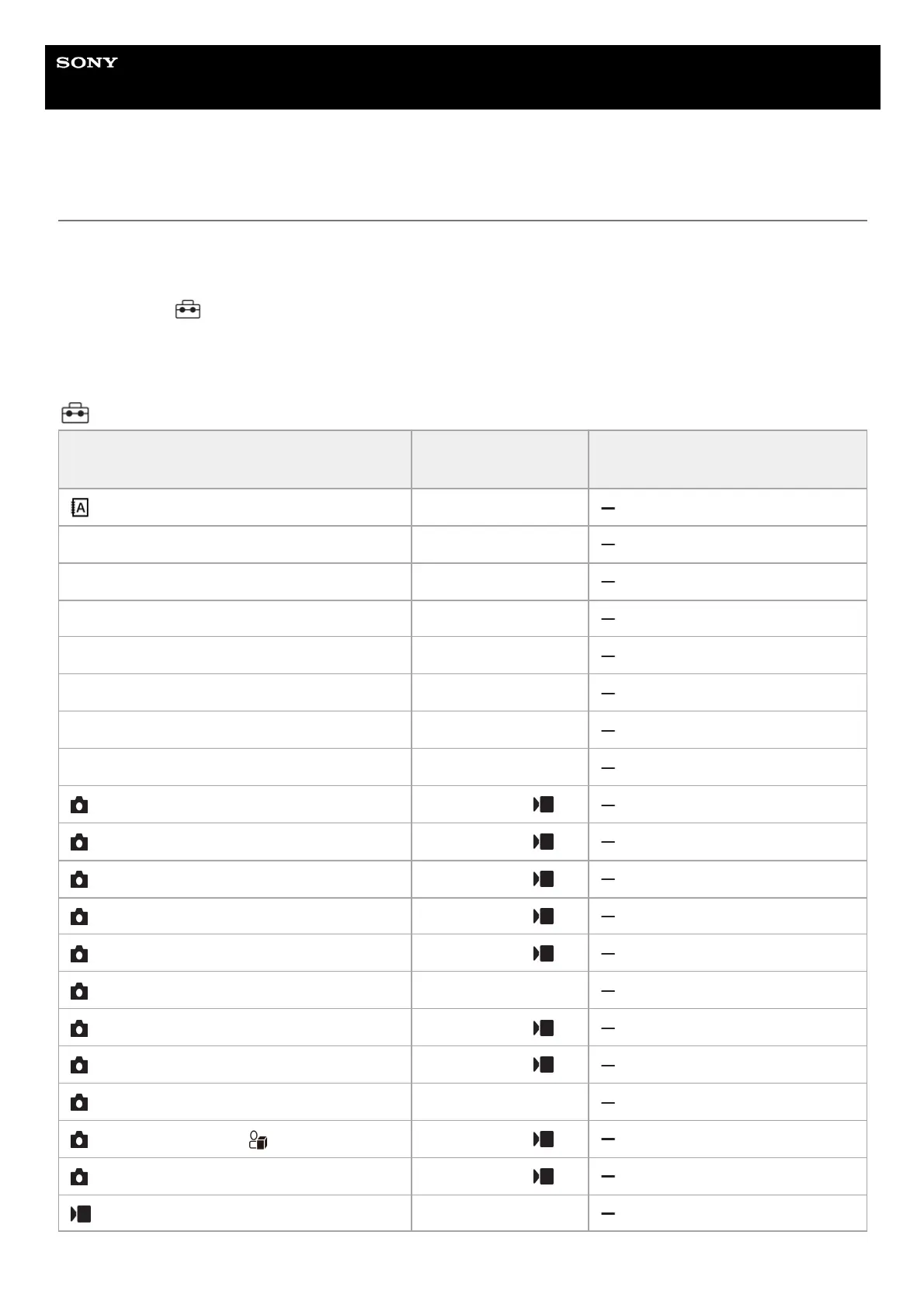
MENU item Default setting value
Resettable using [Camera Settings
Reset]
Language ―
Area/Date/Time Setting (Area Setting) ―
Area/Date/Time Setting (Daylight Savings) Off
Area/Date/Time Setting (Date/Time) ―
Area/Date/Time Setting (Date Format) Y-M-D
NTSC/PAL Selector ―
Setting Reset ―
Save/Load Settings ―
Custom Key/Dial Set. (Control Dial) Follow Custom ( )
Custom Key/Dial Set. (Control Wheel) Follow Custom ( )
Custom Key/Dial Set. (Custom Button 1) Follow Custom ( )
Custom Key/Dial Set. (Custom Button 2) Follow Custom ( )
Custom Key/Dial Set. (Center Button) Follow Custom ( )
Custom Key/Dial Set. (Left Button) Drive Mode
Custom Key/Dial Set. (Right Button) Follow Custom ( )
Custom Key/Dial Set. (Down Button) Follow Custom ( )
Custom Key/Dial Set. (MOVIE Button) Movie Shooting
Custom Key/Dial Set. ( Button) Follow Custom ( )
Custom Key/Dial Set. (Focus Hold Button) Follow Custom ( )
Custom Key/Dial Set. (Control Dial) Av/Tv (Av in M mode)



 To Next Page