Help Guide
Interchangeable Lens Digital Camera
ZV-E10
Self-portrait/ -timer
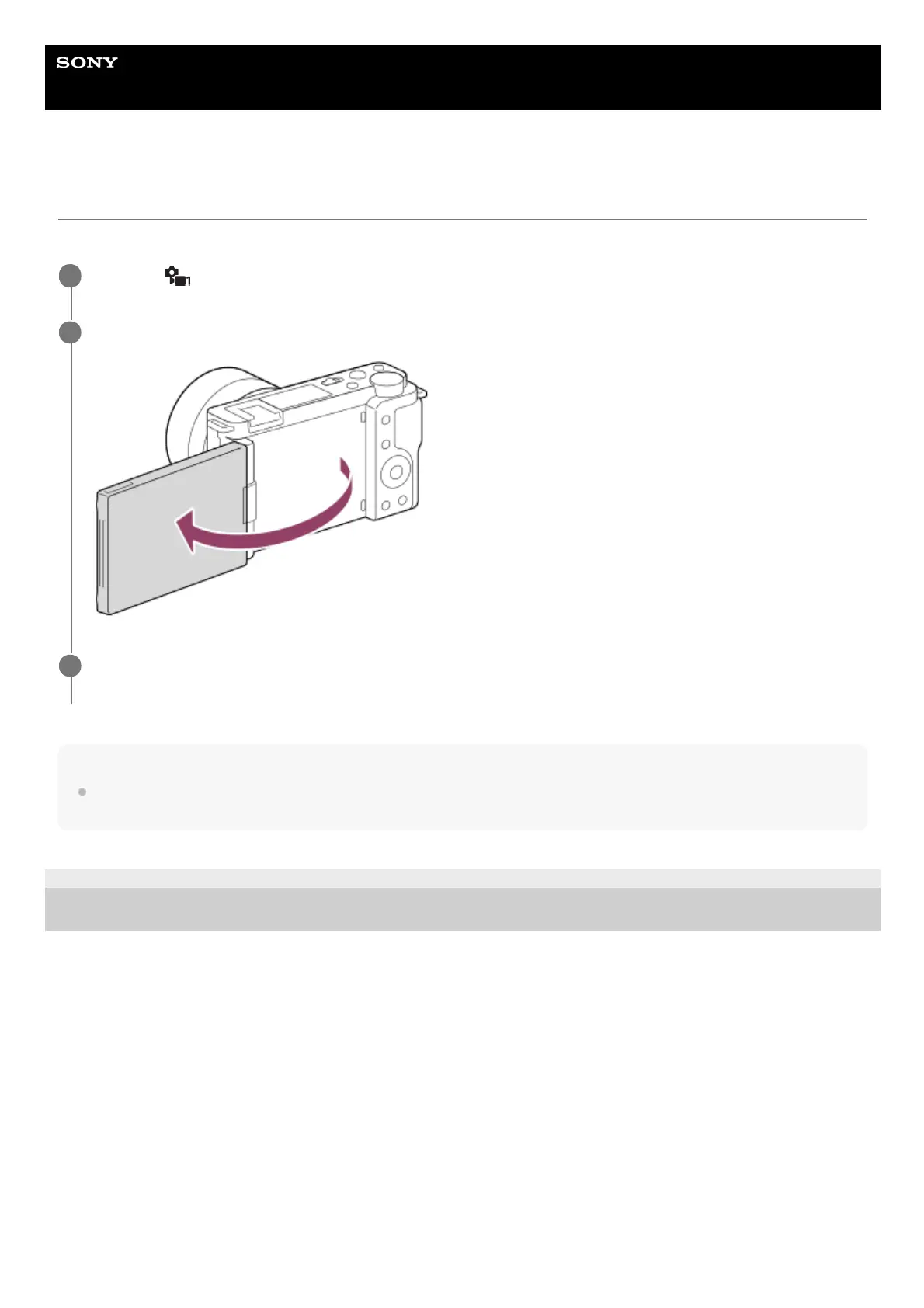
You can change the angle of the monitor and shoot images while watching the monitor.
Hint
If you want to use a drive mode other than the 3-second self-timer mode, first set [Self-portrait/ -timer] to [Off], and then face the
monitor forward.
5-028-017-12(2)
Copyright 2021 Sony Corporation
MENU →
(Camera Settings1) → [Self-portrait/ -timer] → [On].
1
Open the monitor transversely, face it forward, and then point the lens at yourself.
2
Press the shutter button. Alternatively, touch the subject on the monitor.
The product starts the self-timer shooting after three seconds.
3



 To Next Page