Help Guide
Interchangeable Lens Digital Camera
ZV-E10
SteadyShot Settings (movie)
You can shoot with an appropriate SteadyShot setting for the attached lens.
Menu item details
Auto:
Performs the SteadyShot function automatically according to the information obtained from the attached lens.
Manual:
Performs the SteadyShot function according to the focal-length set using [
Focal Length]. (8mm-1000mm)
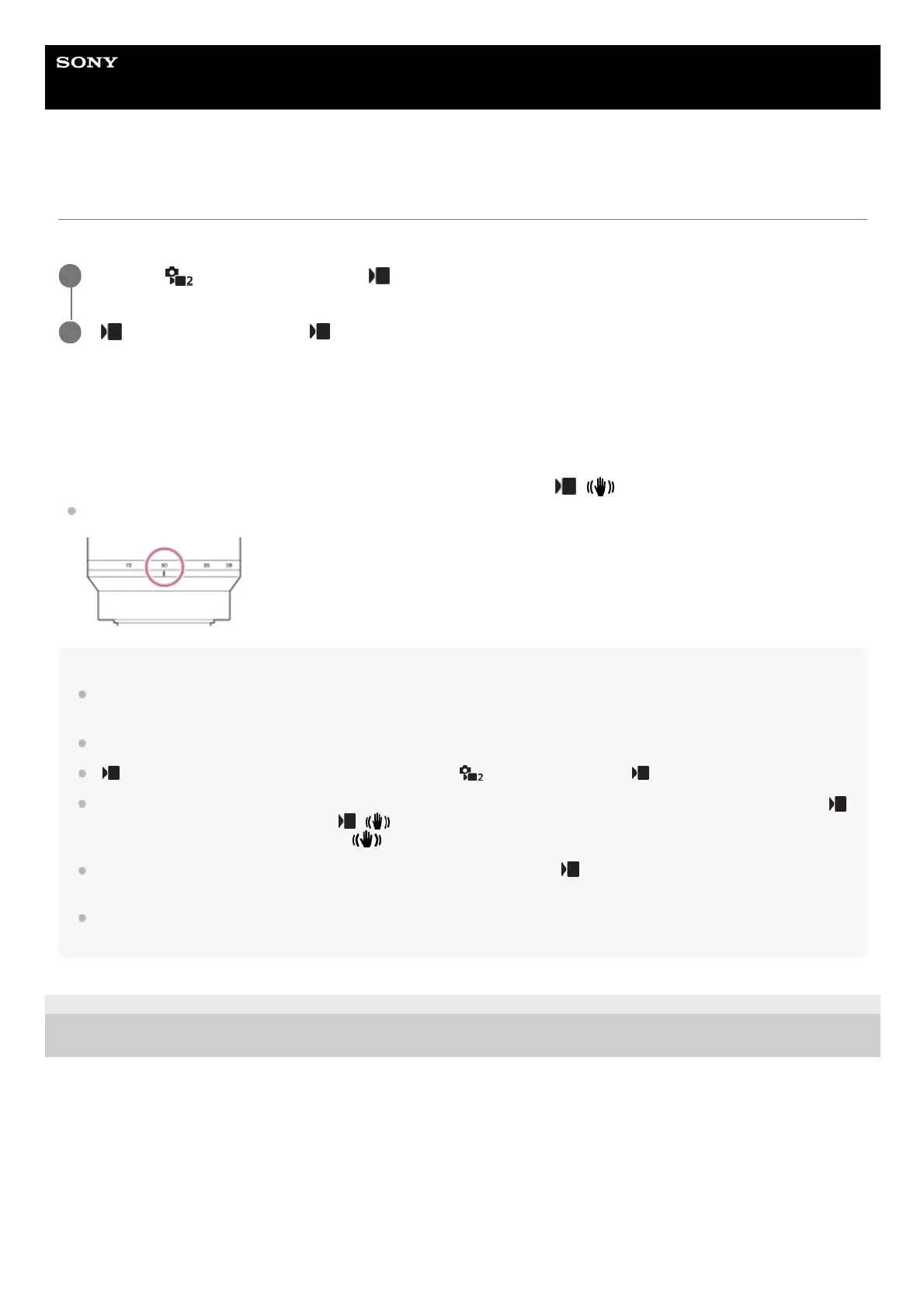
Check the focal-length index and set the focal-length.
Note
The SteadyShot function may not work optimally when the power has just been turned on or right after you point the camera
toward a subject.
When using a tripod, etc., make sure to turn off the SteadyShot function because this can cause any malfunction when shooting.
[
SteadyShot Settings] will be unavailable when MENU → (Camera Settings2) → [ SteadyShot] is set to [Off].
When the camera cannot obtain focal length information from the lens, the SteadyShot function does not work correctly. Set [
SteadyShot Adjust.] to [Manual] and set [ Focal Length] to match the lens you are using. The currently set value for the
SteadyShot focal length will appear next to
(camera shake icon).
When using an SEL16F28 lens (sold separately) with a teleconverter, etc., set [
SteadyShot Adjust.] to [Manual] and set the
focal length.
If a lens equipped with a SteadyShot switch is attached, the settings can only be changed using that switch on the lens. You
cannot switch the settings using the camera.
5-028-017-12(2)
Copyright 2021 Sony Corporation
MENU →
(Camera Settings2) → [ SteadyShot] → [On].
1
[
SteadyShot Settings] → [ SteadyShot Adjust.] → desired setting.
2



 To Next Page