Help Guide
Interchangeable Lens Digital Camera
ZV-E10
Manual Focus
When it is difficult to focus properly in the autofocus mode, you can adjust the focus manually.
Note
The displayed focus distance is just a reference.
Related Topic
Focus Magnifier
Peaking Setting
MF Assist (still image)
5-028-017-12(2)
Copyright 2021 Sony Corporation
MENU →
(Camera Settings1) → [Focus Mode] → [Manual Focus].
1
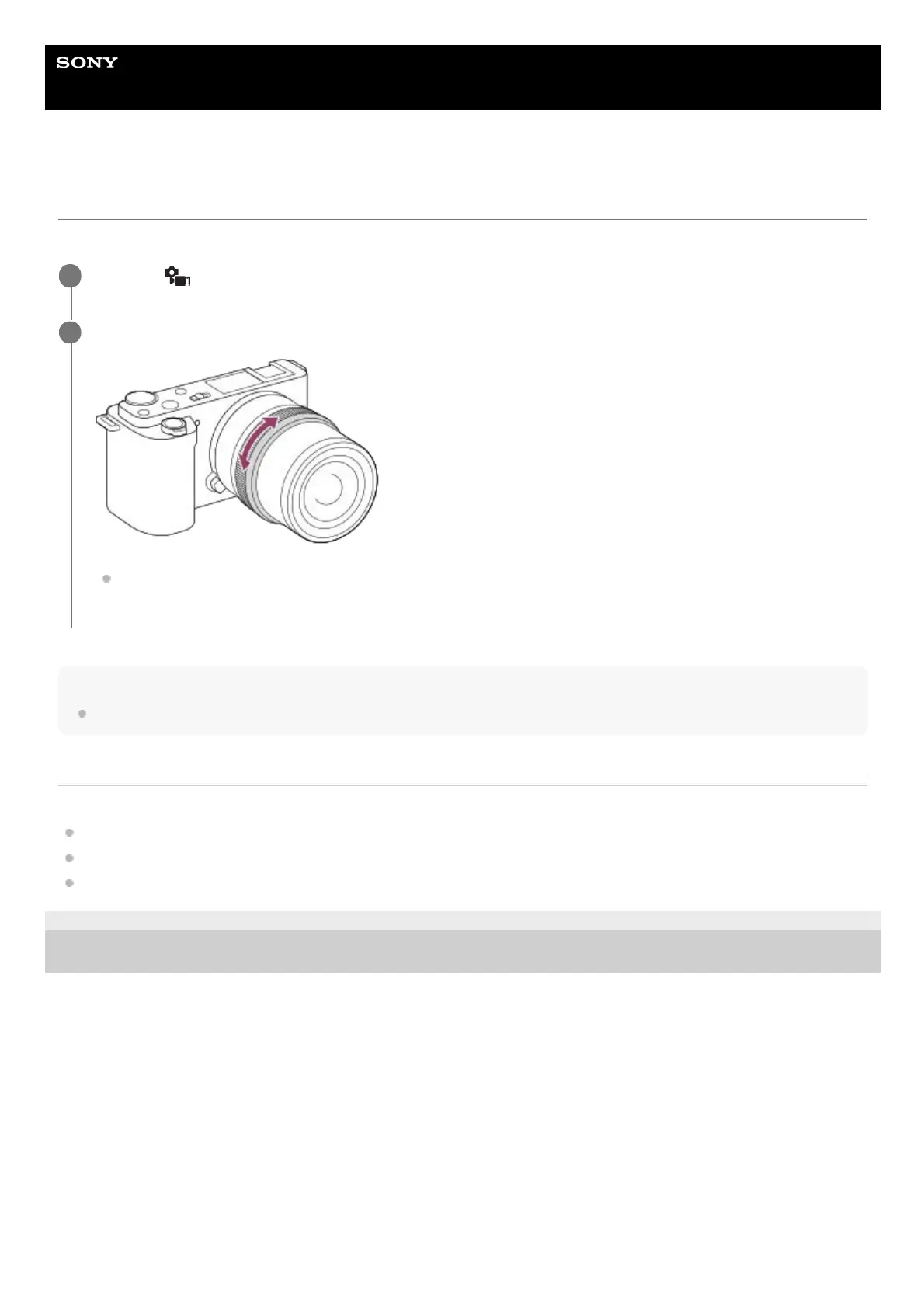
Rotate the focusing ring to achieve sharp focus.
When you shoot a still image, you can display the focus distance on the screen by rotating the focusing ring.
The focus distance is not displayed when the Mount Adaptor (sold separately) is attached.
2



 To Next Page