Help Guide
Interchangeable Lens Digital Camera
ZV-E10
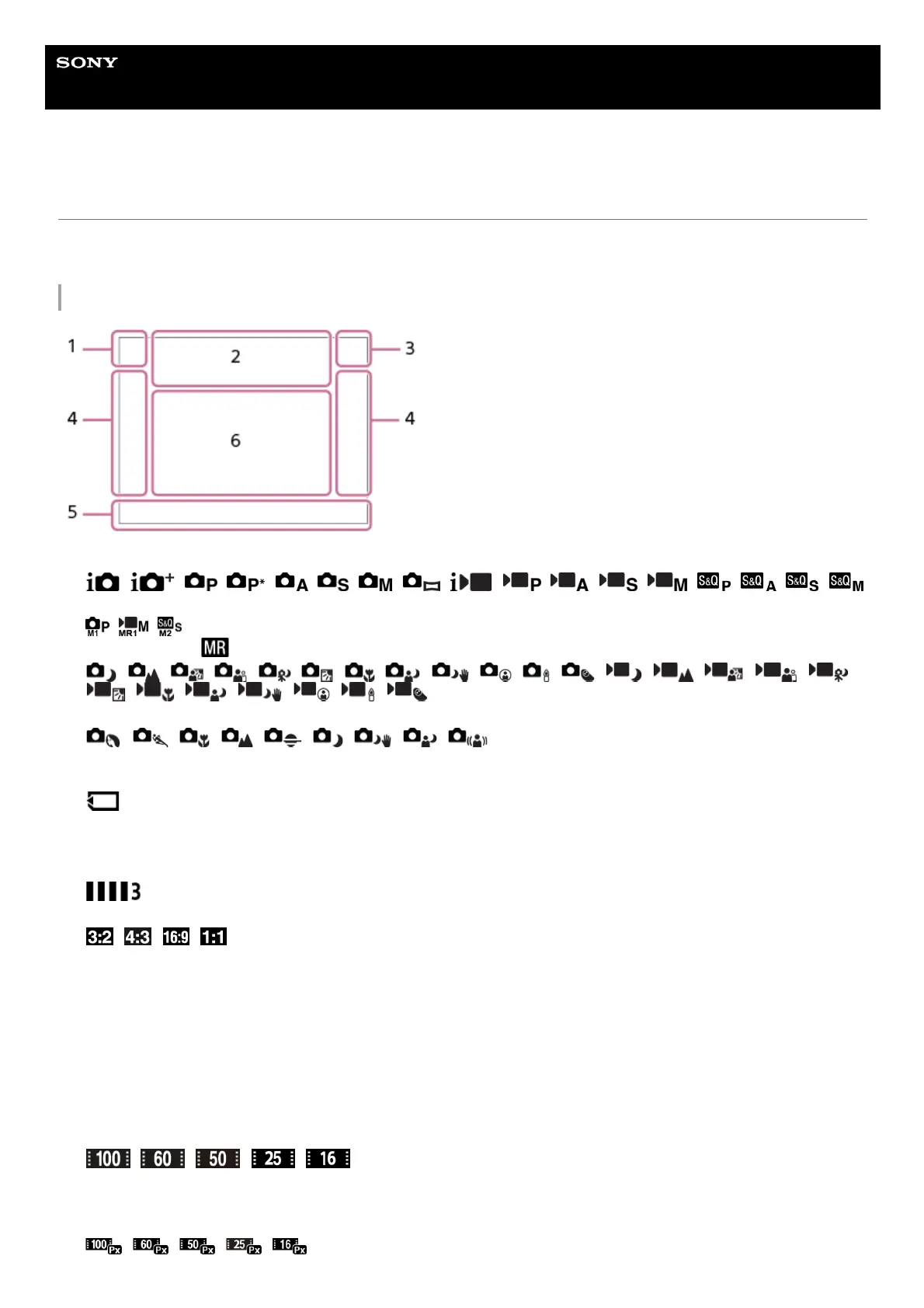
List of icons on the monitor
The displayed contents and their positions shown below are just a guideline, and may differ from the actual display.
Descriptions are given below the indications of the icons.
Icons on the shooting screen
Shooting mode/Scene recognition
Shooting mode
Shooting mode ( Recall Camera Set.)
Scene Recognition icons
Scene Selection
1.
Camera settings
NO CARD
Memory card status
100/1h30m
Remaining number of recordable images/Recordable time of movies
Writing data / Number of images left to write
Aspect ratio of still images
24M / 21M / 20M / 16M / 12M / 11M / 10M / 8.0M / 6.0M / 5.3M / 5.1M / 4.0M
Image size of still images
RAW
RAW recording
X.FINE FINE STD
JPEG Quality
XAVC S 4K XAVC S HD
File format of movies
Record setting of movies
120p 60p 30p 24p 100p 50p 25p
Frame rate of movies
2.



 To Next Page