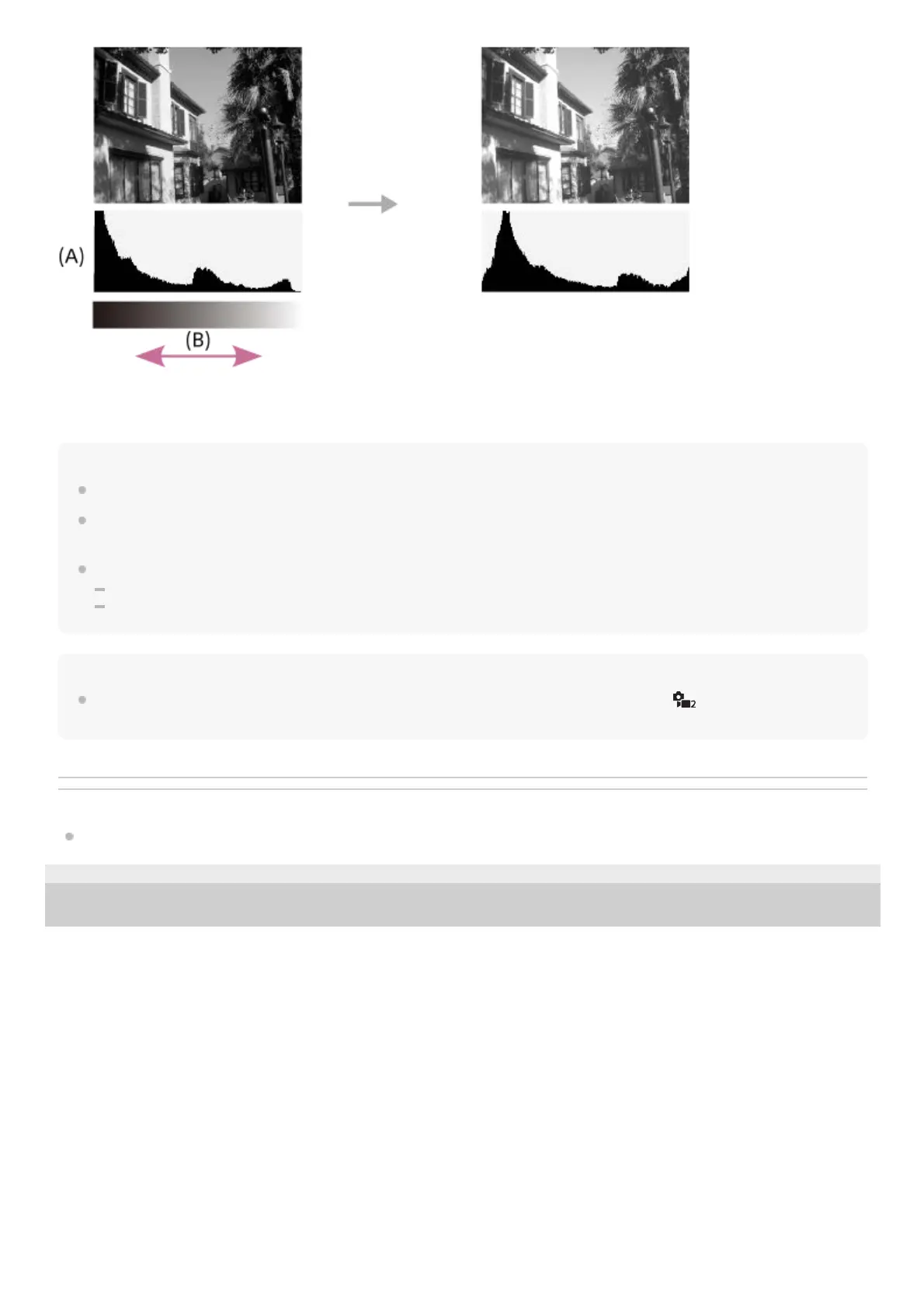
(A): Pixel count
(B): Brightness
Note
[Histogram] is not displayed during panorama shooting.
The information in the histogram display does not indicate the final photograph. It is information about image displayed on the
screen. The final result depends on the aperture value, etc.
The histogram display is extremely different between shooting and playback in the following cases:
When the flash is used
When shooting a low luminance subject such as a night scene
Hint
To change the display modes that are switched when you press the DISP button, select MENU →
(Camera Settings2) →
[DISP Button] and change the setting.
Related Topic
DISP Button
5-028-017-12(2)
Copyright 2021 Sony Corporation



 To Next Page