Hint
When the camera cannot focus automatically, the green focusing frame is not displayed. Either recompose the shot or change
the focus setting.
The beep indicating that focus has been achieved sounds when [Focus Mode] is set to [Single-shot AF], [Automatic AF], or
[DMF].
Note
An icon indicating that data is being written is displayed after shooting. Do not remove the memory card while the icon is
displayed.
When the subject is moving, you cannot lock the focus even if [Focus Mode] has been set to [Automatic AF].
Related Topic
Using MENU items
Playing back still images
Auto Review
Focus Mode
Focus Area
5-028-017-12(2)
Copyright 2021 Sony Corporation
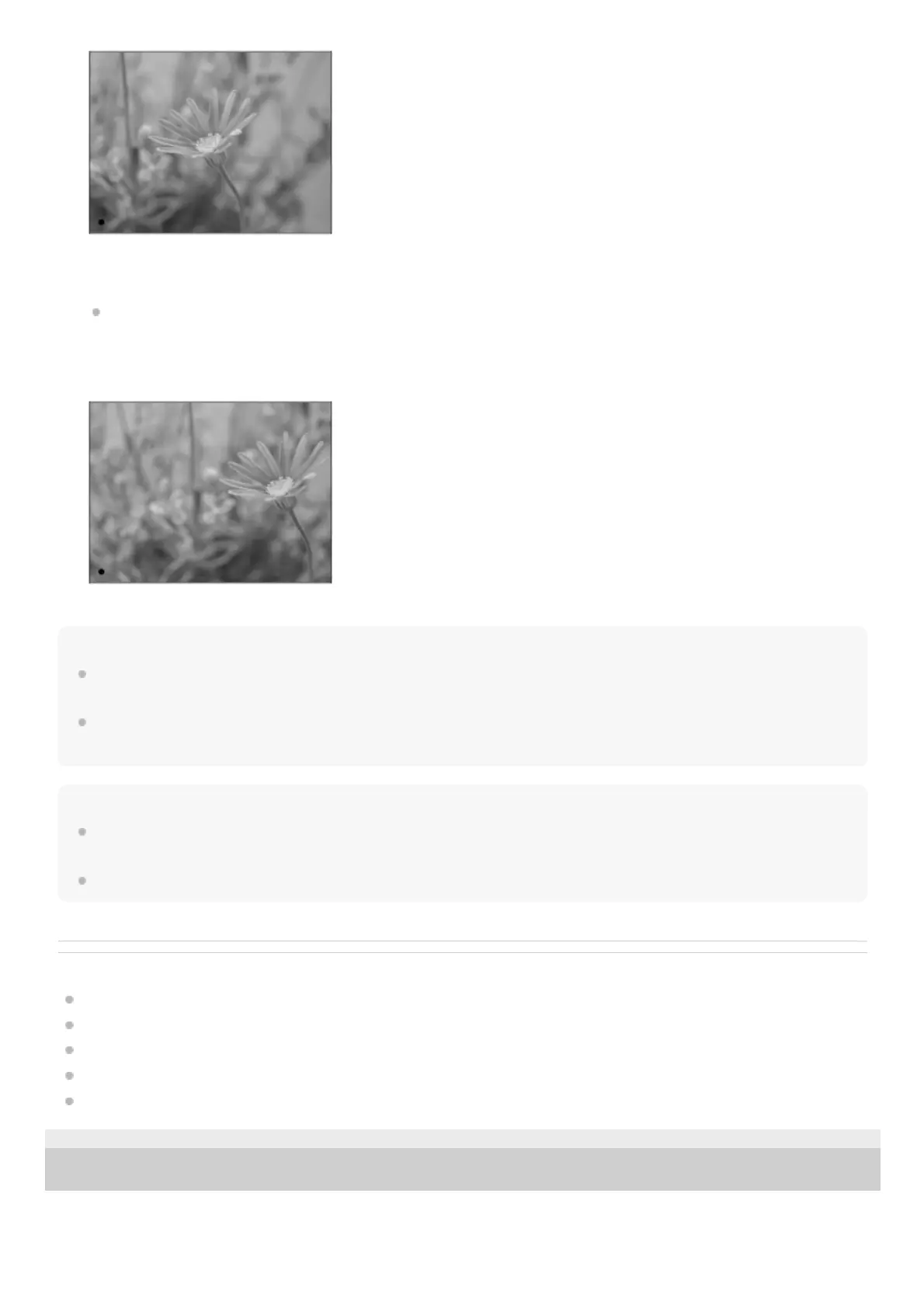
The focus is locked.
If it is difficult to focus on the desired subject, set [Focus Area] to [Center] or [Flexible Spot].
Keep pressing the shutter button halfway down, and place the subject back in the original position to re-compose the
shot.
3.
Press the shutter button down fully to take the picture.4.



 To Next Page