1
For more information about your device, scan the QR code or visit
www.sophos.com/get-started-ap
* Please check https://community.sophos.com/kb/en-us/124444#Sophos Access Points for availablity
1. Before Deploying
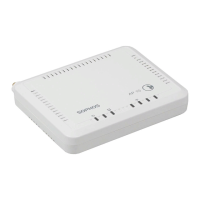
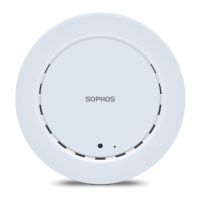
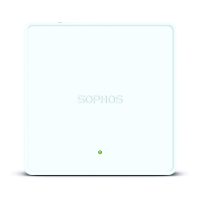
Congratulations on the purchase of your Sophos APX 120 access point. This Quick Start Guide provides you
with instructions to connect the access point and do the initial configuration.
Before you begin, please make sure that you have access to one of the following products which include the
Sophos wireless controller needed to manage your Sophos access point:
Ì Sophos Wireless (Sophos Central managed)
Ì Sophos XG Firewall
*
Please ensure you have a valid license for one of the above products.
To power your access point you can either use a power supply or use a PoE injector (both available as an
accessory from your Sophos partner) or a PoE switch plus an RJ45 Ethernet cable.
Quick Start Guide APX 120


 To Next Page
 Loading...