Need help?
Do you have a question about the Sophos SG 125(w) and is the answer not in the manual?
Explains symbols used for safety warnings and their meanings.
Describes the intended environments and appliance group for the hardware.
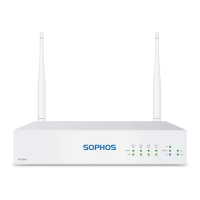
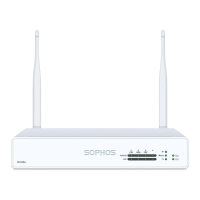
Details the front panel components and connectors for SG 105w/115w models.
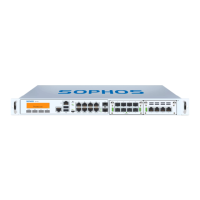
Details the front panel components and connectors for SG 125w/135w models.
Explains the status indicators on the front panel for storage, system, Wi-Fi, and power.
Details the meaning of activity/link and speed LEDs for RJ45 Ethernet ports.
Details the meaning of activity/link and speed LEDs for SFP connectors.
Provides safety guidelines for installing the appliance in a rack.
Covers general safety advice for installing components in a server rack.
Discusses ambient temperature, airflow, mechanical load, circuit, and grounding for rack mounting.
Details the SFP port functionality, types of modules, and installation/removal.
Step-by-step guide on how to insert and remove SFP modules from the port.


 To Next Page
 General