Need help?
Do you have a question about the Sophos SG 310 and is the answer not in the manual?
Lists Hardware Quick Start Guide, Operating Instructions, and Administration Guide.
Meaning of security symbols and implications of non-compliance.
Appliance usage in commercial, industrial, and residential settings.
Compliance with FCC Class A, CE, C-Tick, VCCI, and UL standards.
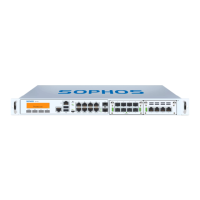
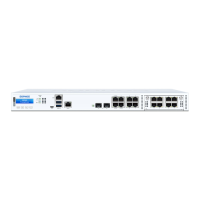
Description of ports, LCD display, and control elements on the front panel.
Ports for optional PoE Power Module and second external power supply.
LED indicators for power supply and SSD activity.
ACT/LNK and Speed LEDs for RJ45 Ethernet connectors.
ACT/LNK and ACT/LINK LEDs for SFP and SFP+ connectors.
LEDs for LAN Bypass status and rear panel power supply.
Information displayed on the LCD cycling views.
Details on changing IP, rebooting, shutting down, and resetting the appliance.
Function of ESC and navigation keys for menu control.
Step-by-step guide to changing the appliance's IP address.
Step-by-step guide to rebooting the appliance.
Step-by-step guide to safely shutting down the appliance.
Step-by-step guide to resetting the appliance to factory defaults.
Steps to disable One Time Password authentication.
Risk of explosion if battery is replaced incorrectly.
Guidelines for rack mounting and its impact on reliability.
Precautions for ensuring stability and safety during rack mounting.
Precautions for installing servers and components in racks.
Factors like temperature, airflow, loading, and grounding for racks.
Steps for attaching brackets, choosing location, and sliding into rack.
Warning about using correct screws with rack-mount brackets.
Guidance on initial setup via Quick Start Guides.
Details on SFP and SFP+ module types and their specifications.
Note on SFP+ ports supporting both 1GbE and 10GbE speeds.
Safety precautions for using lasers in fiber optic ports.
Procedure for installing SFP GBIC modules into ports.
Procedure for removing SFP GBIC modules from ports.
Required connection settings for serial console access.


 To Next Page


 General