Need help?
Do you have a question about the Sophos SG 115(w) and is the answer not in the manual?
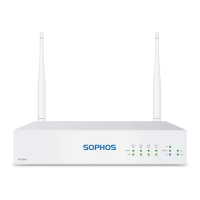
Details front panel elements and connections for SG 105(w) and SG 115(w) models.
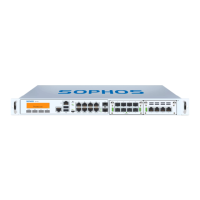
Details front panel elements and connections for SG 125(w) and SG 135(w) models.
Explanation of status indicators on the front panel of the appliance.
Details the meaning of LEDs for Ethernet ports and SFP connectors.
Guidance on putting the appliance into operation and mounting instructions.
Safety guidelines and precautions for installing the appliance in a server rack.
General safety advice for handling and installing server components.
Key factors to consider for safe and effective rack mounting.
Details the SFP port's capabilities and compatible module types.
Step-by-step guides for inserting and removing SFP modules.
 General
| Form Factor | Desktop |
|---|---|
| RAM | 4 GB |
| Storage | 32 GB SSD |
| Maximum Users | 50 |
| Power Supply | External |
| Operating Temperature | 0°C to 40°C |
| Humidity | 10-90% non-condensing |


 To Next Page