Need help?
Do you have a question about the Sophos XGS 87 and is the answer not in the manual?
Lists all components provided with the Sophos XGS appliance.
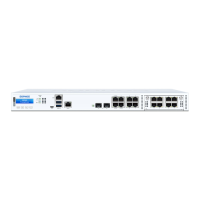
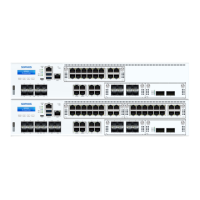
Visual diagrams showing the front and rear views of the XGS 87(w) and 107(w) models.
Specification of RJ45 and SFP LAN ports, including speed and type.
Description of COM and USB ports, including connection settings.
Instructions for mounting antennas on wireless models.
Guidance on connecting the appliance to internal and external networks.
Procedures for installing the appliance in a server rack.
Steps to connect power and initiate the appliance boot sequence.
Required network settings for the PC to manage the appliance.
How to access the appliance's web console via the LAN port.
Steps to configure initial network settings on the appliance.
Guide for registering the firewall with the MySophos portal.
Procedure to ensure the appliance has the correct license information.
Explanation of the status and speed LEDs for RJ45 Ethernet connectors.
Explanation of the ACT/LNK LEDs for SFP connectors.
Meaning of the Storage and Status LEDs on the front panel.
Meaning of the WiFi and Power 1/2 LEDs on the front panel.
Information on where to find more support and documentation.
 General
| Maximum Licensed Users | Unlimited |
|---|---|
| Threat Protection Throughput | 1 Gbps |
| SFP Ports | 2 |
| Form Factor | Desktop |
| NGFW Throughput | 1.5 Gbps |
| Power Supply | External |
| Ports | 8 x 1GbE, 2 x 10Gb SFP+ |
| Network Interfaces | 8 x 1GbE, 2 x 10Gb SFP+ |

 To Next Page