Need help?
Do you have a question about the Sophos XGS 116 and is the answer not in the manual?
Lists the items included in the appliance package.
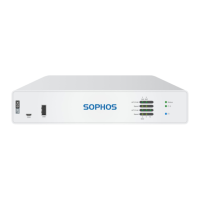
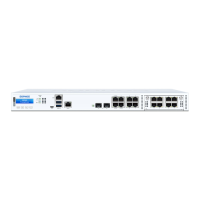
Shows front and back views of the XGS 116(w) and XGS 126(w)/136(w) appliances.
Details the types, speeds, and comments for LAN, COM, USB, and Expansion Bay interfaces.
Instructions for attaching antennas to wireless models.
Guides on connecting the appliance's LAN and WAN ports to networks.
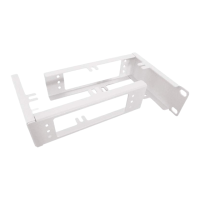
Explains rack mounting using an optional kit.
Details connecting the power cable and powering on the appliance.
Lists required IP address, netmask, gateway, and DNS settings for the admin PC.
Guides PC connection to the appliance's LAN port and accessing the web console.
Explains initiating basic appliance configuration via the welcome screen.
Guides through the appliance registration process with MySophos.
Details synchronizing license information from Sophos to the appliance.
Explains ACT/LNK and Speed LEDs on RJ45 Ethernet connectors.
Describes Storage, Status, WiFi, and Power LEDs on the front panel.
Explains the meaning of front panel PoE1 and PoE2 LEDs.


 To Next Page


 General