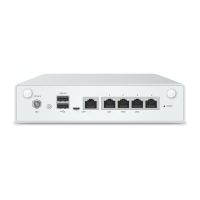
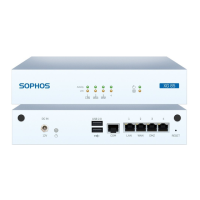
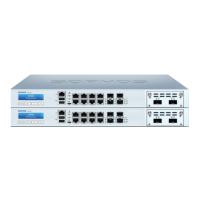
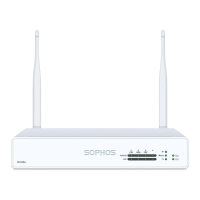
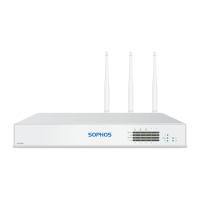
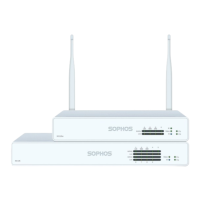
2SG/XG 210 Rev. 3, SG/XG 230/310/330/430/450 Rev. 2
LAN Modules Mounting Instructions
1. 2.
3.
Please note
Before installing/removing any LAN module please make
sure that the appliance is powered off and power cables
are removed.
Mounting
1. Unscrew the metal plate from the vacant slot you want to use
2. Remove the metal plate
3. Insert the LAN module into the open slot
4. Tighten the screws of the LAN module
4.



 To Next Page