For
Controlling
Music
or
Movie
Functions
1.
Volume
Control-
When you want
to
increase the volume
of
your phone or multimedia device
press
the
up
arrow (
•)
on your in-line
controller.
Note: Make sure
to
increase volume slowly
to
prevent damage
to
your hearing. When you
want
to
decrease the volume,
press
the
down
arrow
(v)
on your controller.
2.
Play
or
Pause-
To
play
a song or
video, press and release
the
center
button
(•)
once.
To
pause
press and release the center
button
once
during
song or movie.
To
resume again, press and
release center
button
once.
3.
FFW/REW-
To
skip forward
to
the next song or chapter in a movie, quickly press and release
the center
button
twice.
To
return
to
the
previous song or chapter in a movie, quickly press
and release
the
center
button
three times.
4.
Scan-
To
scan
forward during a song or movie, press and release the center
button
once, then
immediately press and
hold
the center
button
again. This
will
scan
forward.
Release
the
button
once you have reached the
point
in
the
song or movie you
seek.
To
scan
backwards
during a song or movie, press and release
the
center
button
twice, then immediately press
and
hold
the center
button
again.
Release
the
button
once you have returned
to
the
portion
of
the song or movie you
seek.
Note:
Not
all
functions may
work
on
all models. Functionality
will
be determined
by
phone
or
multimedia
device.
In-Line
Controller
Compatibility
Guide
The
following
Apple models should have
full
functionality
of
the
controller.
iPhone®
4,
and iPhone®
3Gs,
iPad™
Wi-Fi and
iPad™
3G,
iPod
Touch®
4th Generation, iPod
Touch®
3rd Generation and iPod
Touch®
2nd Generation, iPod Nano® 5th Generation and iPod
Nano®
4th
Generation. For Android™
or
BlackBerry® models,
not
all in-line controller
functions may
fully
work.
Disconnecting
Your
Soul®
Headphones
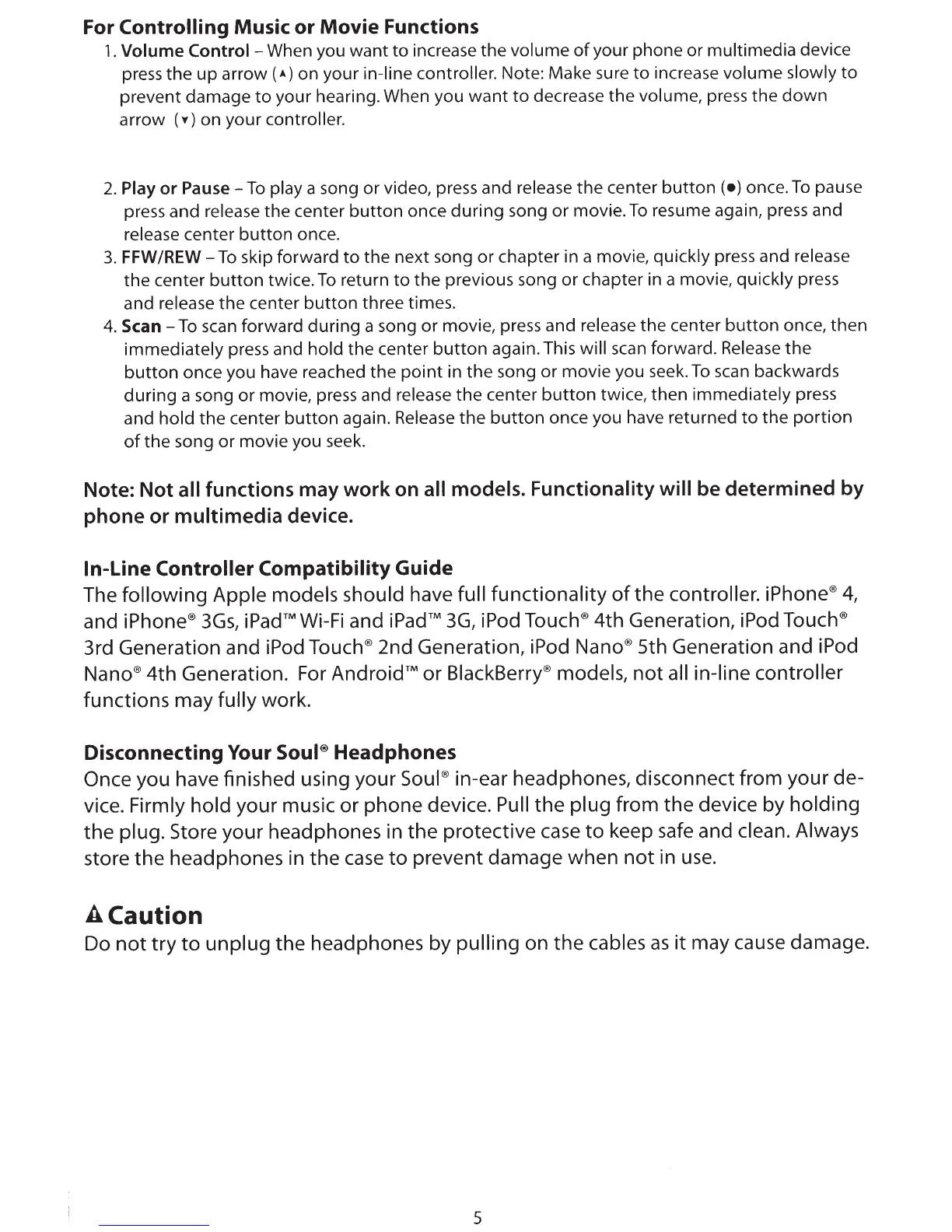
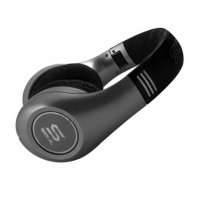
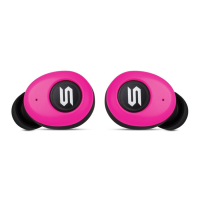
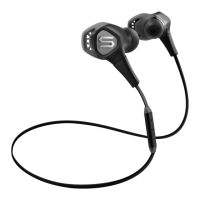
Once you have finished using your Soul®
in-ear headphones, disconnect from your de-
vice.
Firmly hold
your music or phone device.
Pull
the
plug
from the device by
holding
the
plug.
Store your headphones in
the
protective
case
to
keep
safe
and
clean. Always
store
the
headphones in the
case
to
prevent damage when
not
in
use.
A
Caution
Do
not
try
to
unplug
the headphones by
pulling
on
the
cables
as
it
may cause damage.
5



 To Next Page