Using Your
Soul®
Headphones
Now
that
you have
selected
the
proper ear tips,
it
is
time
to
plug
in
your
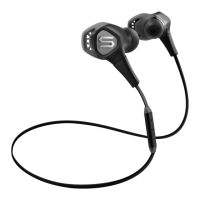
in-ear head-
phones and begin enjoying
your
music
the
Soul®
way.
1.
Place headphones in your ears. Note:
the
headphones have
an
"L'
for Left and
"R"
for
Right
indicators on the inside
bottom
portion
of
your headphones
closest
to
the audio cable.
It
is
very
important
to
insert
the
headphones correctly
to
get
full
sound benefit and enjoy your
listening experience.
2.
Make sure
that
the volume
is
all
the way
down
to
zero.
3. Turn your device off.
4.
Plug the 1
/8"
(3.Smm)
plug
into
the
headphone jack.
5. Power Up your device.
6.
Select the music
or
movie you wish
to
hear
or
view.
7.
Slowly
increase
the
volume level
until you find the
safe
and appropriate listening
level
for you.
8.
Adjust the cord manager
up
and
down
until desired fit.
A
Caution
Use
your
headphones responsibly. Exposure
to
excessively loud
noise can cause Noise
Induced Hearing
Loss
(NIHL).
Never
put
headphones on when
unit
is
at
full volume
as
it
may
cause
permanent damage.
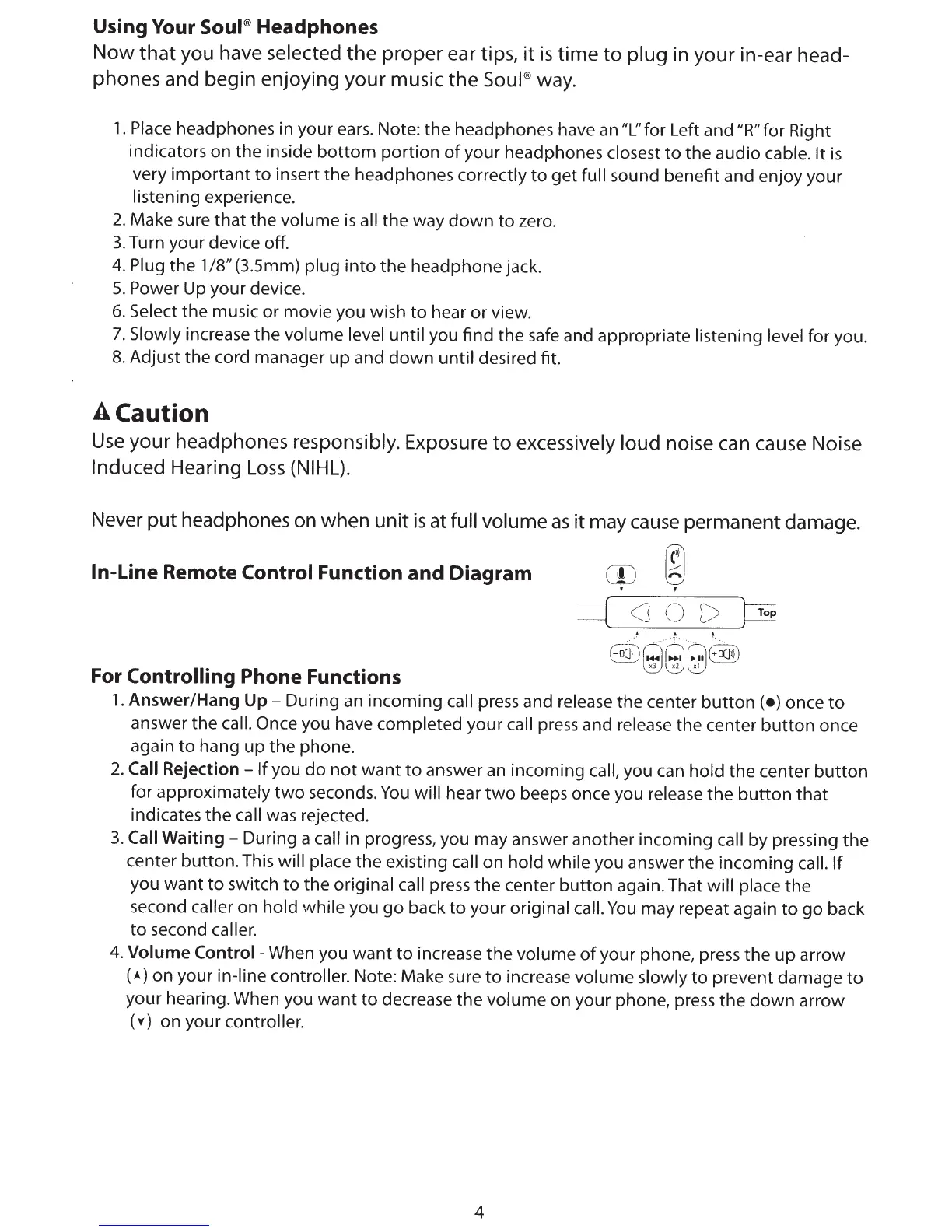
In-Line
Remote
Control Function and Diagram
rn
~
' '
cJOD
Top
For
Controlling
Phone Functions
1.
Answer/Hang
Up-
During
an
incoming
call
press and release the center
button
(•)
once
to
answer the
call. Once
you have completed your call
press and release the center
button
once
again
to
hang
up
the
phone.
2.
Call
Rejection-
If
you
do
not
want
to
answer
an
incoming
call,
you can hold the center
button
for approximately
two
seconds.
You
will
hear
two
beeps once you release
the
button
that
indicates
the
call
was
rejected.
3.
Call
Waiting-
During a
call
in progress, you may answer another incoming
call by pressing
the
center
button.
This
will
place
the
existing
call on hold while you answer
the
incoming
call.
If
you
want
to
switch
to
the original
call press
the
center
button
again. That
will
place
the
second caller
on hold
vvhile
you
go
back
to
your original
call.
You
may repeat again
to
go
back
to
second caller.
4.
Volume
Control-
When you
want
to
increase
the
volume
of
your phone, press
the
up
arrow
(•)
on your in-line
controller.
Note: Make sure
to
increase volume slowly
to
prevent damage
to
your hearing. When you
want
to
decrease
the
volume on your phone, press the
down
arrow
(
v)
on your
controller.
4



 To Next Page
 Loading...