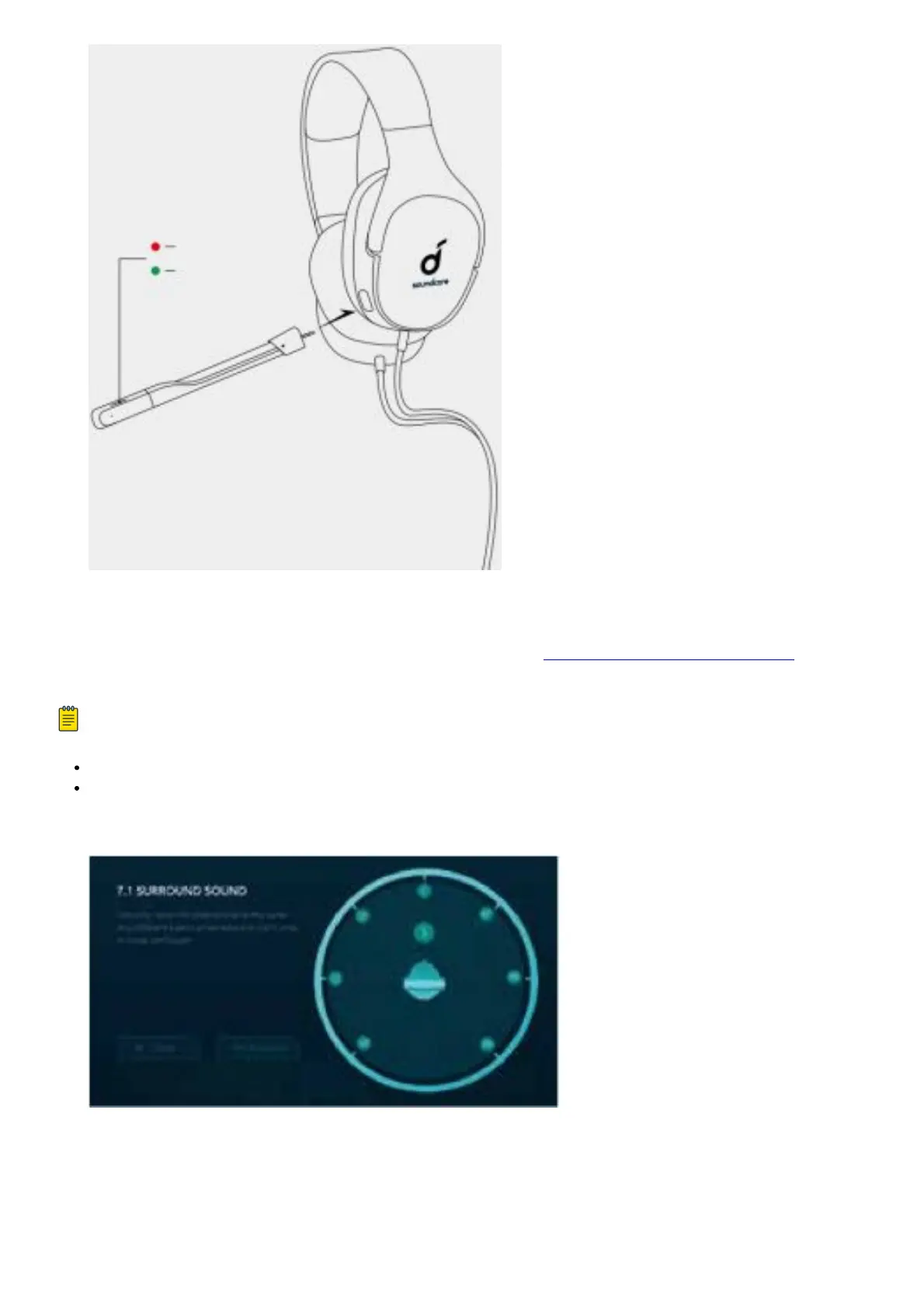
APP
To control the gaming headset from your PC (Windows 7, 8, 10), visit http://www.soundcore.com/strike to
download the Soundcore Strike App.
Note :
Unplug the headset from your PC while installing the App.
Reboot your PC after the successful installation.
1. 7.1 surround sound: Customize the virtual multi-channel stereo surround sound and enjoy an immersive
gaming experience.
2. Microphone: Adjust the microphone volume to suit your gaming environment.



 To Next Page