WARNING: Read and follow all the SAFETY INSTRUCTIONS when setting up and operating the unit.
WARNING: Disconnect the power before setting up the unit.
WARNING: Under no circumstances should the mains earth be disconnected from the mains lead.
CAUTION: Turn all the input and output controls down before connecting the unit.
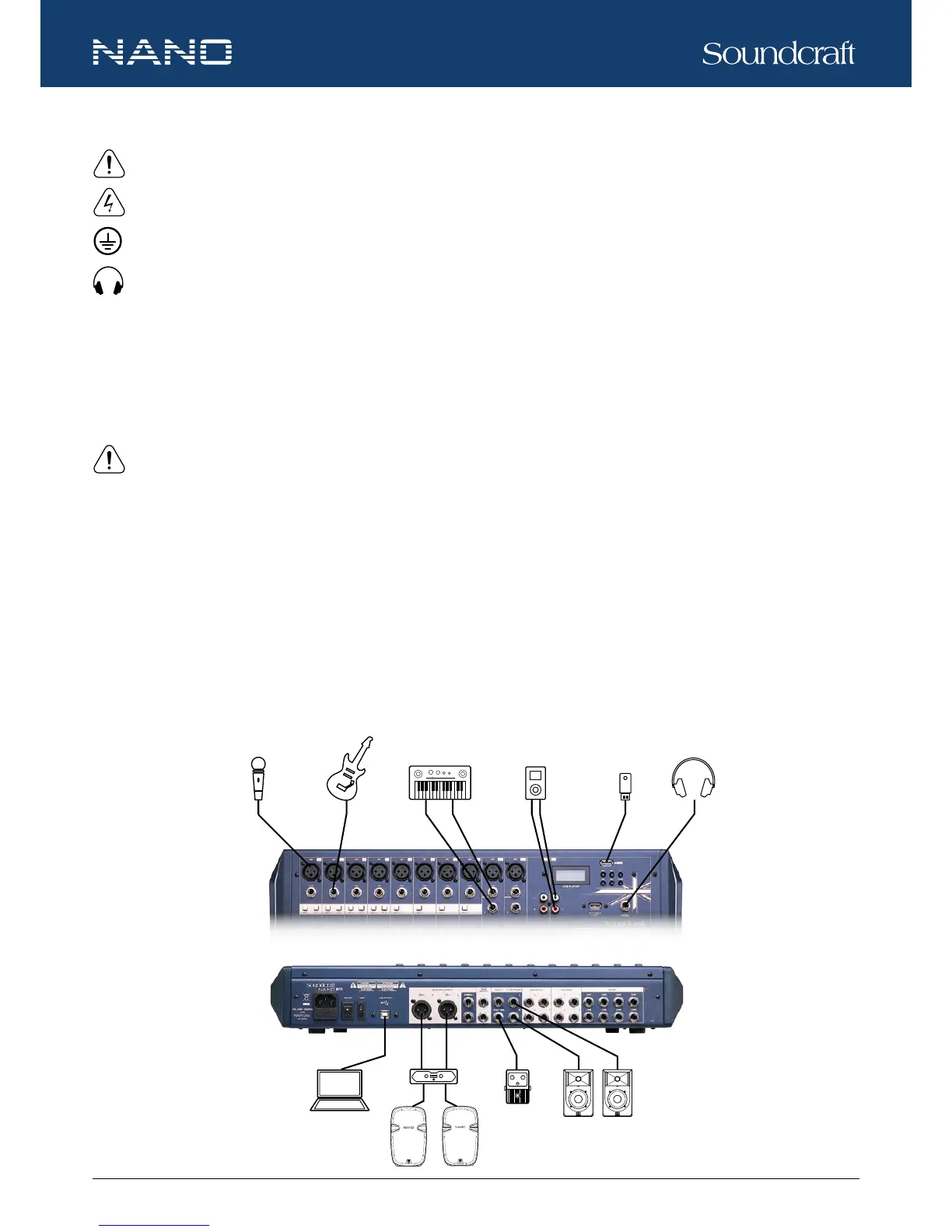
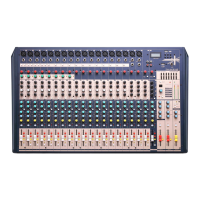
Please refer to the “Connection Example” to set up your audio system with NANO Series mixer:
1. Ensure the mixer and external devices to be connected are completely disconnected from power and all the input and output
controls of the mixer are turned down.
2. Connect external devices, e.g. micro-phones, ampliers, speakers, effects, etc.
3. Power on the devices and the mixer.
NOTE: To power on the system, please power on the mixer rst, then ampliers or powered speakers. To power off the
system, power off the ampliers or powered speakers rst, then the mixer.
4. Set the output level of your mixer or the connected amplier to no more than 75%.
5. Set the CONTROL ROOM / PHONE level to no more than 50%.
6. Position HI, MID and LOW EQ controls to the middle.
7. Position PAN / BAL controls to the center.
8. While speaking to the microphone (or playing the instrument), adjust the channel level control so that the CLIP LED blinks
occasionally. In this way, you will maintain an ideal headroom and dynamic range.
9. You can shape the tone of each channel by adjusting the EQ controls as desired.
10. Repeat the above steps for each active channel.
11. When the OUTPUT LEVEL meter registers the red segment, slightly lower the output signal level using the MAIN MIX control.
Quick Start
Microphone






 To Next Page