-16-
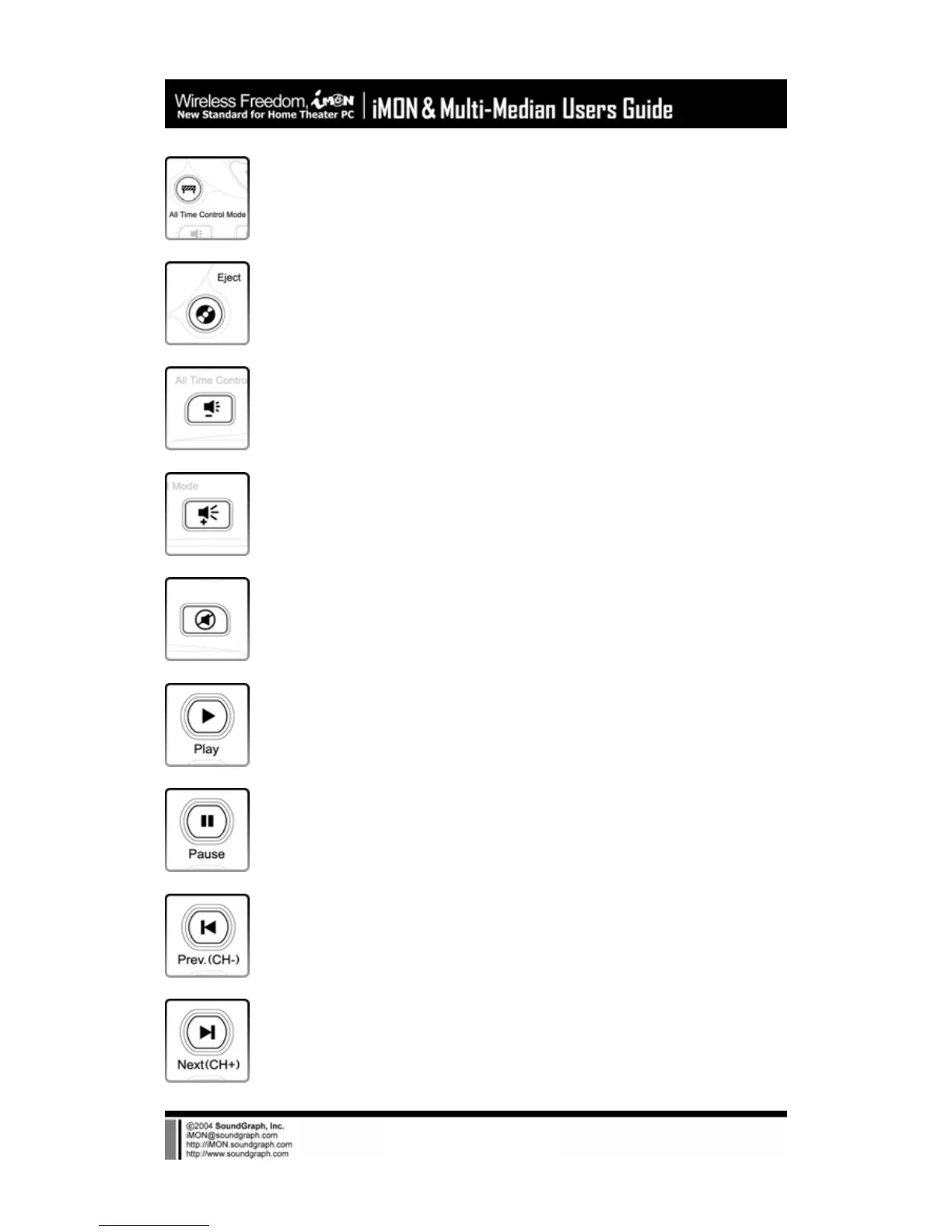
All Time Control Mode : This button used for the ‘All Time Control Mode’ of the
iMON Manager. Please refer to the iMON Users Guide for the details of the ‘All
Time Control Mode’.
Eject : This button is used to open and close the CD/DVD ROM.
VOL - : This button is used to reduce the PC system volume.
VOL + : This button is used to increase the PC system volume.
MUTE : This button is used to mute the PC system volume.
Play : This button is used to generate ‘Play’ command in the various media
applications.
Pause : This button is used to generate ‘Pause’ command in the various media
applications.
Prev : This button is used to generate ‘Previous’ command in the various media
applications and also worked as ‘Channel Up’ on the TV related applications.
Next : This button is used to generate ‘Next’ command in the various media
applications and also worked as ‘Channel Down’ on the TV related applications..



 To Next Page