-8-
2. Button Layout and its Feature of iMON Remote
Controller
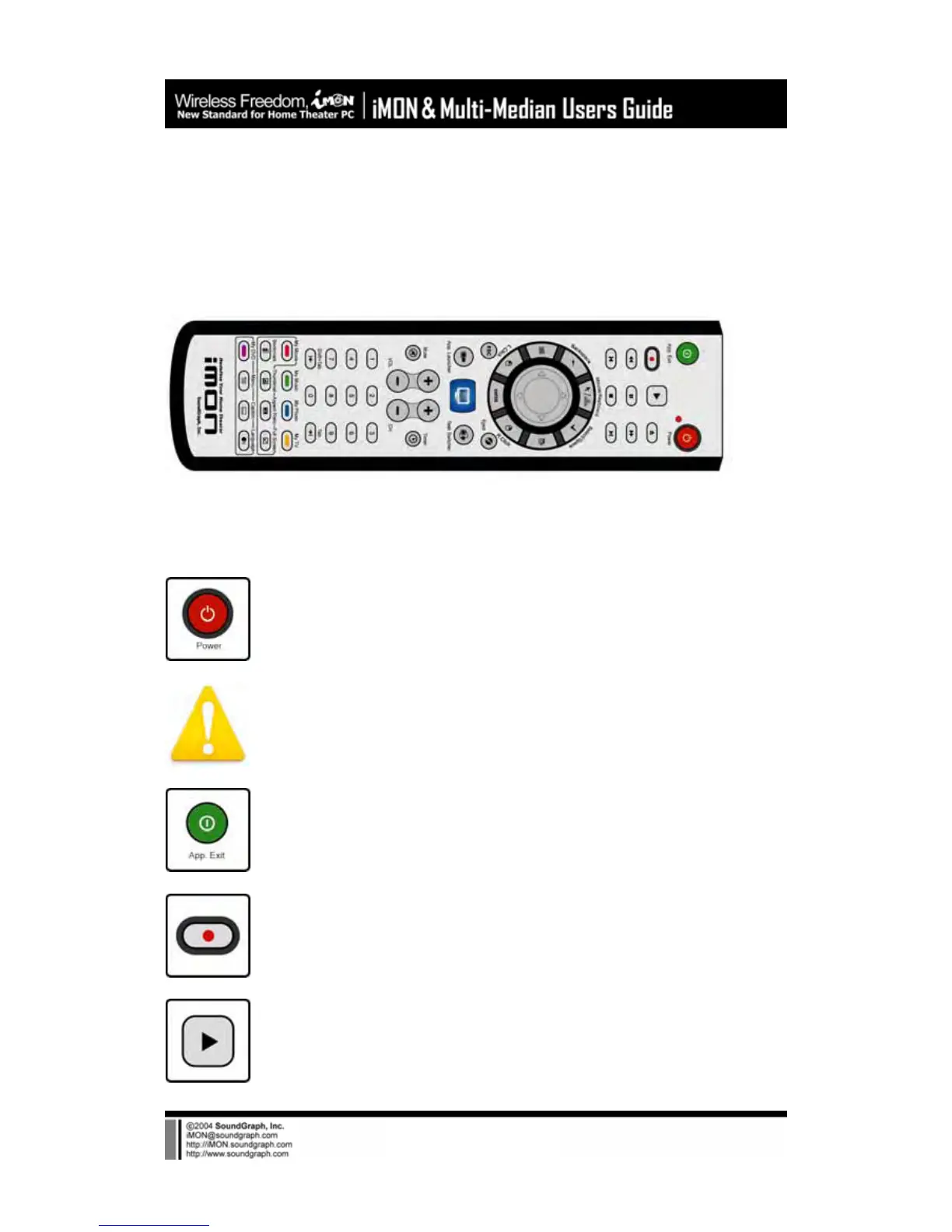
1) iMON PAD Remote Controller
iMON PAD Remote Controller is designed to control the mouse pointer using the center PAD of
the remote controller. The detail features of each button of iMON PAD remote controller are as
like follows.
Power : This button is used to turn On/Off PC.
The Power ON feature is supported on the internal type IR receiver
(iMON Inside, iMON VFD) only.
App. Exit : This button generates the keyboard short cut, [ALT]+[F4] key
combination, which is used for closing the active window.
REC : This button is used to generate ‘Record’ command in the various media
applications.
Play : This button is used to generate ‘Play’ command in the various media
applications.



 To Next Page