-35-
iMON Users Guide
1. Using Application Launcher
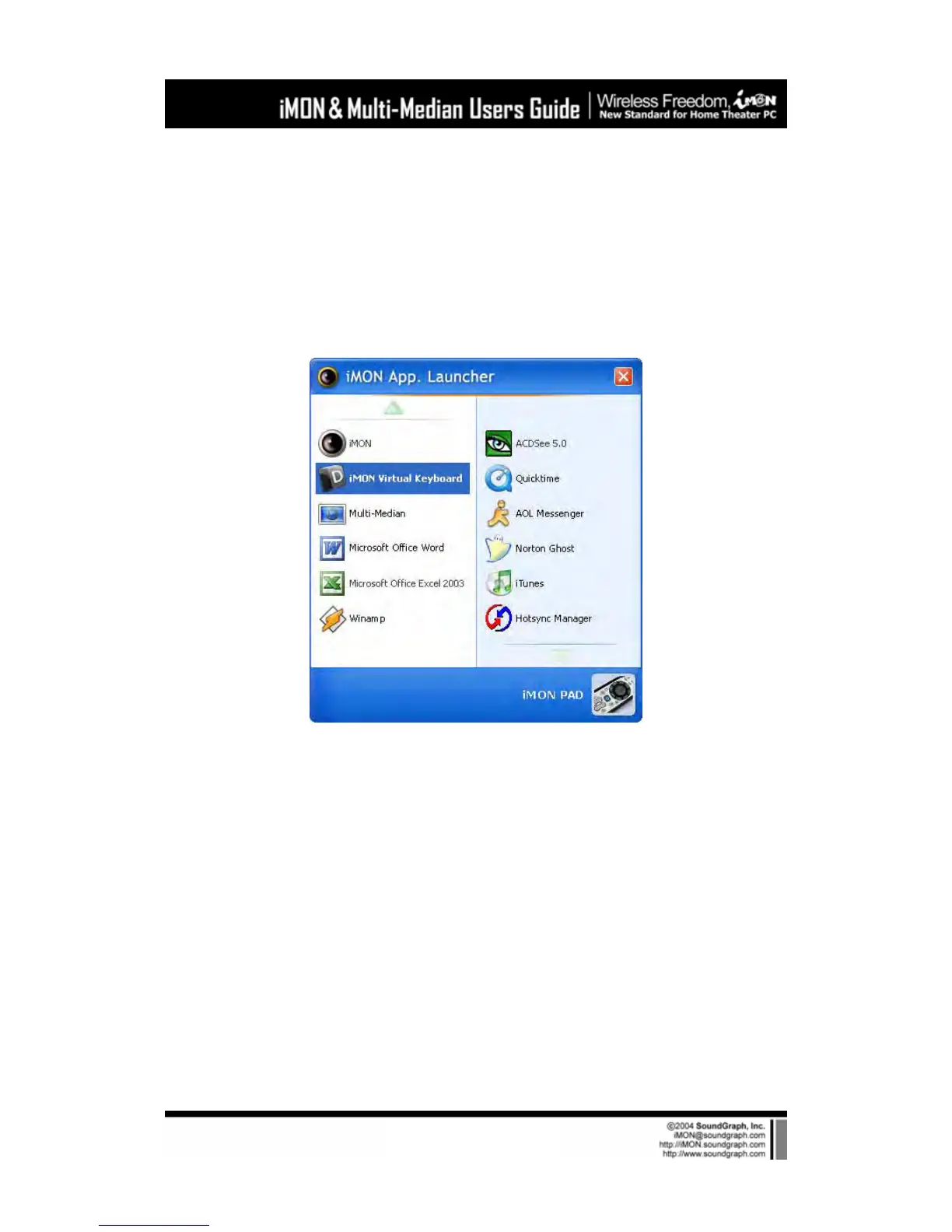
Let’s start Application Launcher. While iMON Manger is running, press the ‘App. Launcher’. The
‘Application Launcher’ will start as like shown on the below picture.
‘Application Launcher’ and ‘Task Switcher’, described in the next chapter, are useful application
that allows you to use your remote controller for basic Windows functions to launch the
application on the Windows and to switch the application like using [ALT]+[TAB] key.
2. Using Task Switcher



 To Next Page