-27-
4) Media File View
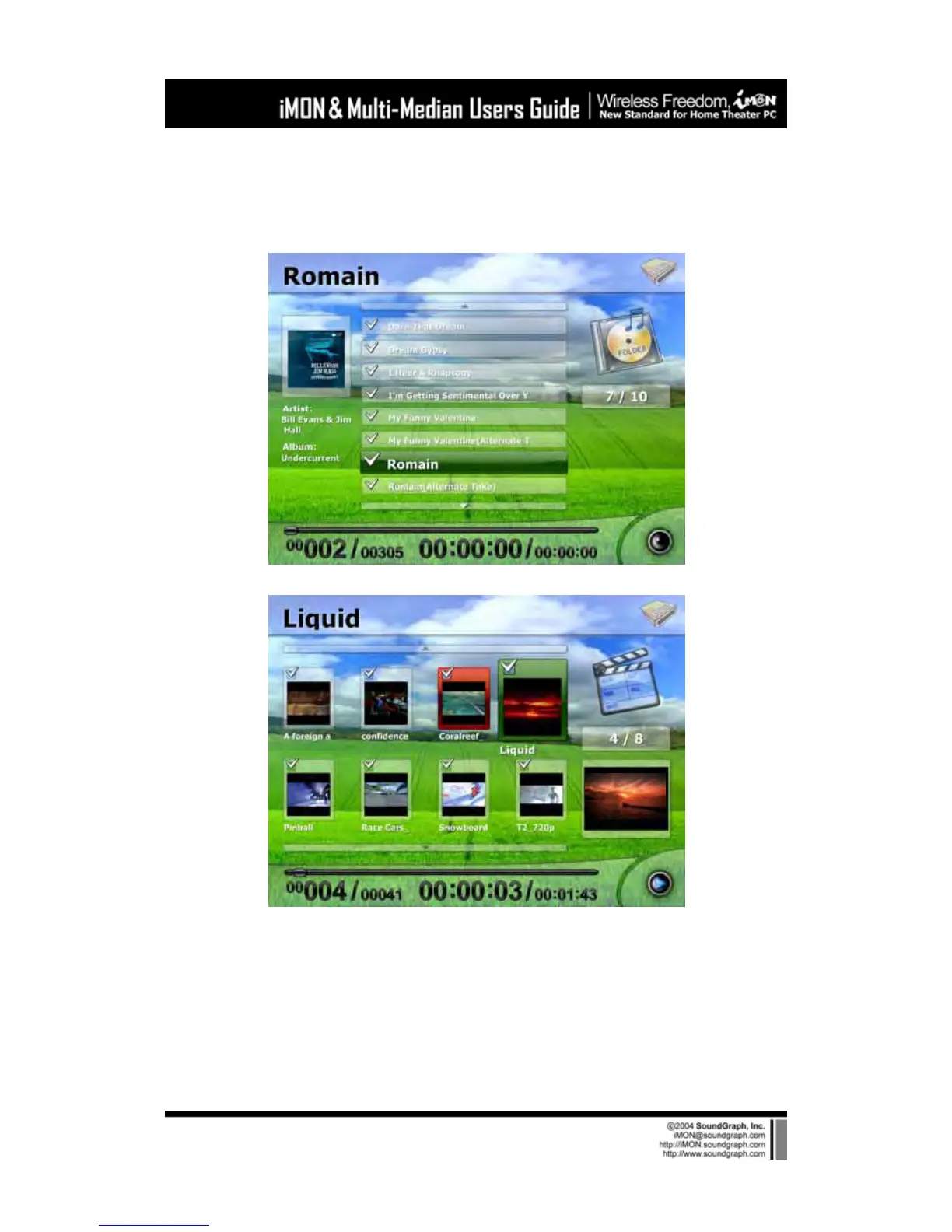
If you enter to the ‘Media File View’ from ‘Media Folder View’, you may see the following screen.
‘Media File View’ has different style according to the media type as like following pictures.
You can enter to the ‘Media Preview’ from ‘Media File View’ after selecting the media file that
you want.
5) Media Preview
Media Preview shows the information of the current playing media file. Media preview screen is
composed of preview screen, ‘Title Bar’ displays the title of the current media and ‘State Bar’



 To Next Page