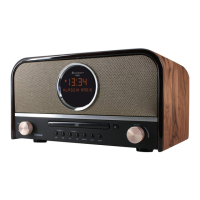
DAB970 / English Instruction Manual
9
FM Information
While FM radio is playing, the screen shows the frequency of the radio station or if RDS
information is available, the station name and any further “Radio Text” information.
If no information is available just the frequency, a “NO Radio Text” message is shown.
Each time you press the “INFO” button, the next set of information is displayed, cycling through:
RDS Radio Text, program type, frequency, mono/stereo, time and date. To return to the default
“Now playing” screen, press and hold the “INFO” button.
Scan settings
By default, FM scans stop at any available station (ALL Stations). This may result in poor quality
audio from weak stations. The options are: All stations | Strong stations only.
To change the scan settings, to stop only at stations with good signal strength:
1. Press the “MENU” button on the remote control or unit.
2. Select “Scan setting”, press “OK” to confirm and then select “Strong stations only”. Press
the “OK” button again to confirm.
Audio settings
By default, all stereo stations are reproduced in stereo. For weak stations, this may result in
poor quality audio. The audio quality can be improved using mono. In the “Audio Setting” menu,
the options are: Stereo allowed | Forced mono
Play weak stations in mono:
1. Press the “MENU” button on the remote control or unit.
2. Select “Audio setting”, press “OK” to confirm and then select “Forced mono”. Press the “OK”
button again to confirm.
CD
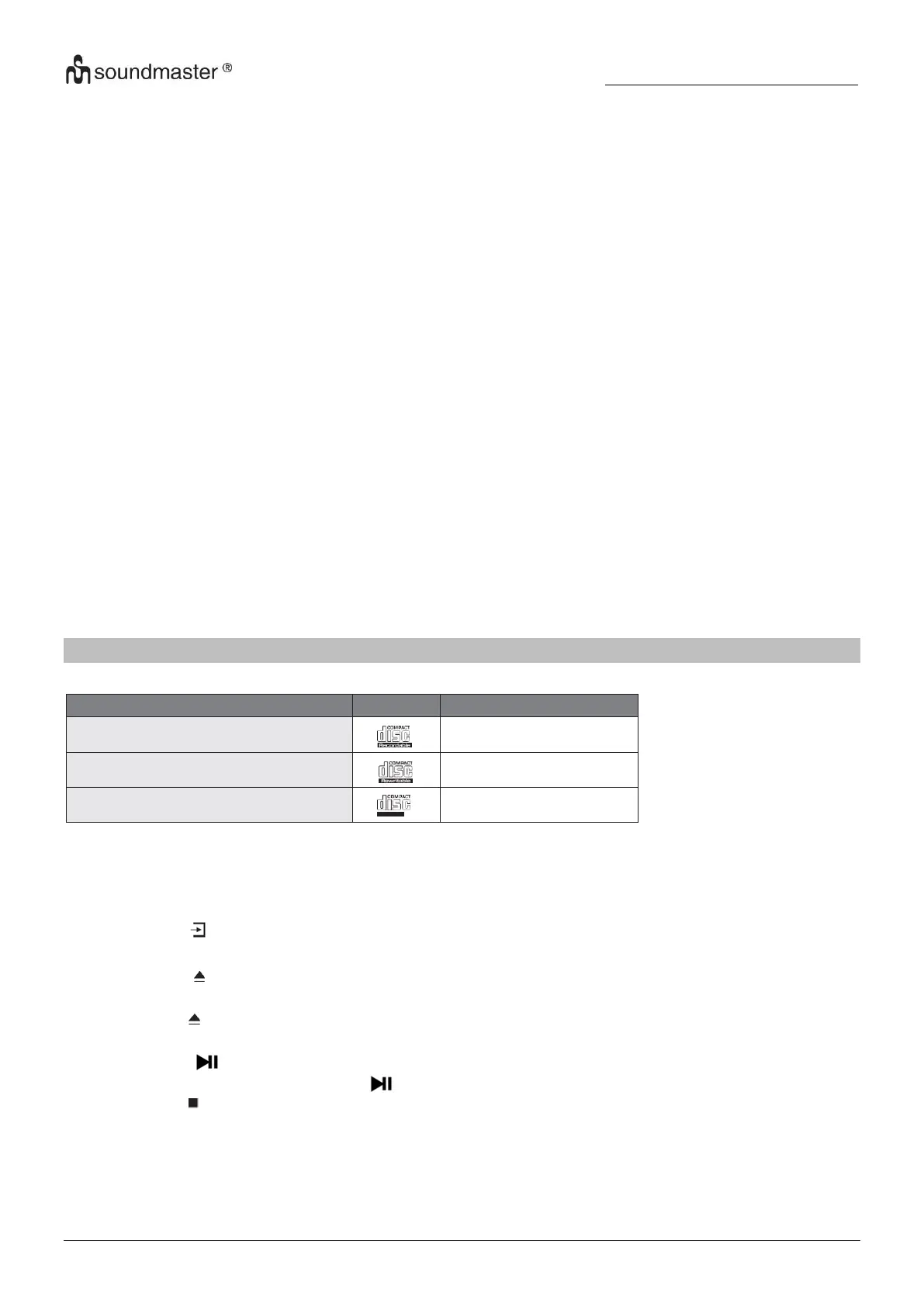
Compatible Disc Types
CD-R (CD Recordable - Audio/MP3/WMA)
CD-RW (CD-Rewritable - Audio/MP3/WMA)
AUDIO-CD (Compact Disc Digital Audio)
Note: Some recorded files may not be able to be played due to the type and format of disc or
condition of the recording.
CD playing
1. Press the “ “ button repeatedly on the unit or press the “CD” button on the remote control
until “CD” is displayed to select the CD function.
2. Press the “ “ button to open the disc tray and put the disc on the disc tray (with the printed
side faced up) .
3. Press the “ “ again to close the disc tray. The unit will start the playback of the disc
automatically.
4. Press the ” “ button to pause the playback.
5. To resume playback, press the “ “ button again.
6. Press the “ ” button on the remote control to stop the disc playing.
Note: While the CD is playing, the current track number and elapsed time will be displayed.














 To Next Page