MCD4850 / English instruction manual
ENG 8
PHONO
NOTED:
- Remove the stylus protector.
- Be sure that the tone arm is being detached from the tone arm rest before operating and re-secured
again afterwards.
1. Select to “ Phono ” function by pressing Phono button(17).
2. Set the Speed Selector (37) to the proper position depending on the record to be played.
3. Place the record on the platter (use the spindle adaptor (36) if required).
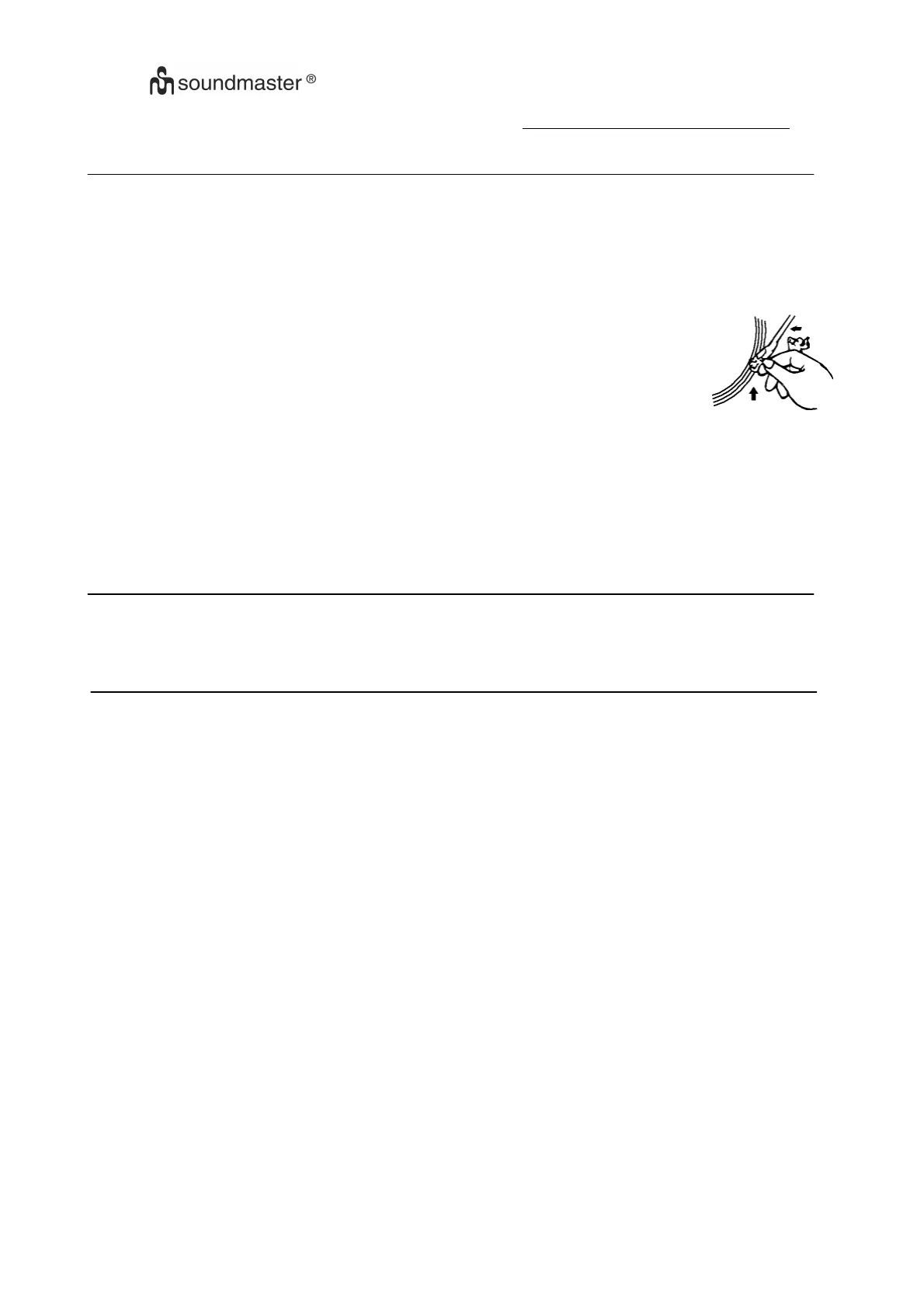
4. Lift the tone arm from the rest and slowly move it to the record side. The platter will
start to rotate.
5. Place the tone arm to the desired position of the record.
6. Adjust the volume to the desired level.
7. At the end of record, the platter will automatically stop rotating. Lift the tone arm from
the record and return it to the rest.
8.
To stop manually, lift the tone arm from the record and return it to the rest
.
REMARK :
As some kind of record the auto-stop area was out of the unit setting, so it will stop before the
last track finish. In this case, select the Auto-Stop switch (42) to “ Off “ position, then it will run to the end of
the record but will not stop automatically (turn off the unit by power button or switch back the Auto-Stop
switch to “ On “ position to stop the platter rotate). Then put back the tone arm to the rest position.
LINE OUT CONNECTION
You can connect the system to your whole hi-fi system by connecting the Line Out socket (41) to the
auxiliary input socket with a RCA cable (not provided).
AUX-IN CONNECTION
Connect another audio device, e.g. (portable) CD player, MP3 player, (portable) cassette player etc. To
this system via a cord with 3.5mm dia jack plugs (not supplied).
Connect one end of this cord to the 3.5mm dia. Headphone jack on the external device and the other end
to the Aux-in jack (29) at the front panel of the unit.
When connected in this way it is possible to play back or recording the music already on the connected
device
.















 To Next Page