M_MCD5500SW
English Instruction Manual
1
BATTERY INSTALLATION
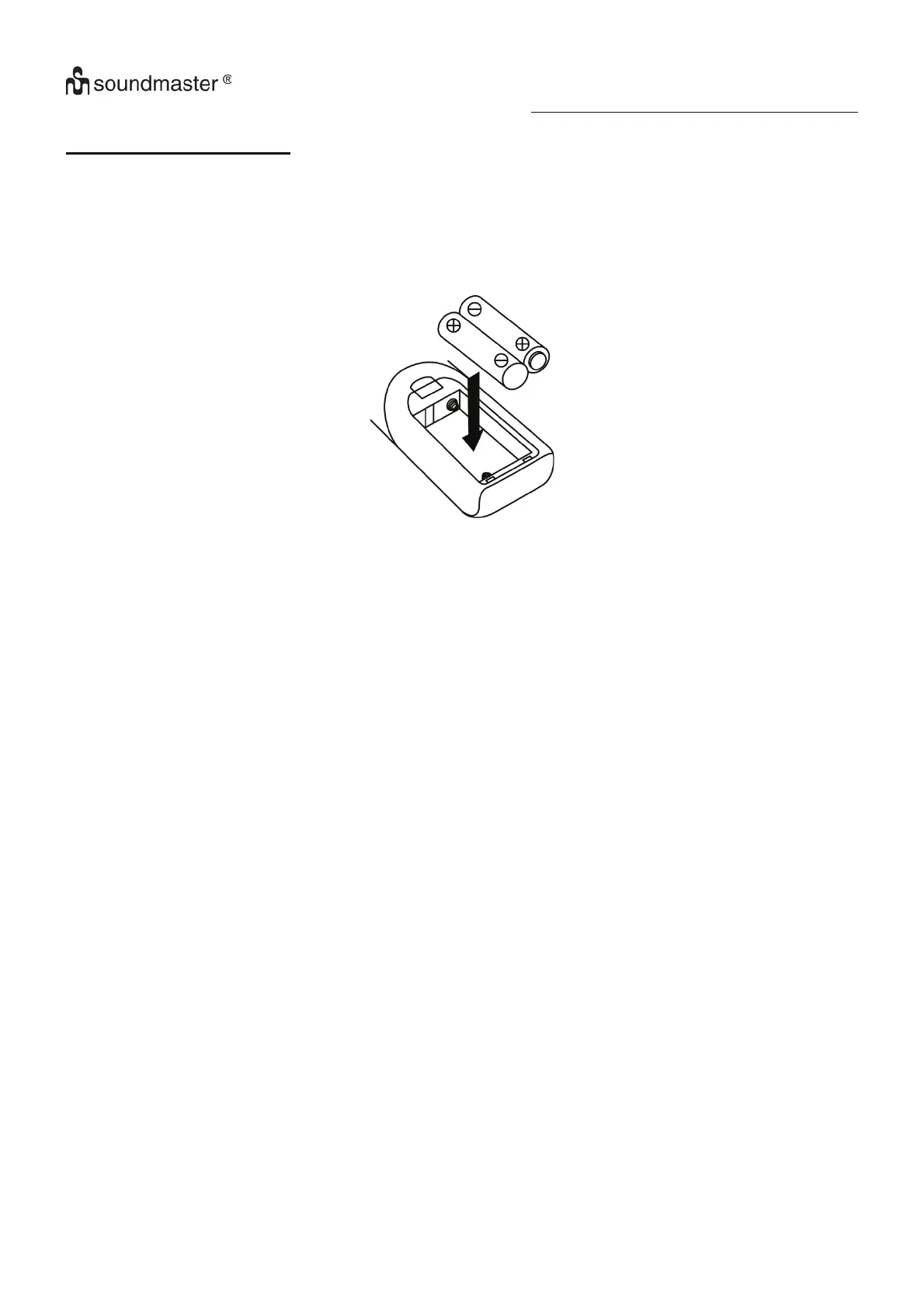
The battery compartment is located on the back of the remote control.
1. Remove the battery compartment door by pressing in on the tab and lifting it off.
2. Insert two (2) AAA size batteries (not included) into the battery compartment following the polarity
markings inside the battery compartment.
3. Replace the battery compartment door.















 To Next Page