M_MCD5500SW
English Instruction Manual
5
- No Title/Album name can be recognized if the input format on the Disc is not supporting by the system.
- The system support only English and Arabic number for ID3 function.
MP3 track format requirement:-
- Bit rate : 32 kbps~320kbps, sampling rate: 32khz, 44.1khz and 48 kHz decodable
- The performance of playing MP3 Disc is various from the quality of recording disc and the method of recording. Furthermore,
the searching lead-time for MP3-CD is longer than normal CD due to difference format.
z Repeat/Random mode (on remote control only)
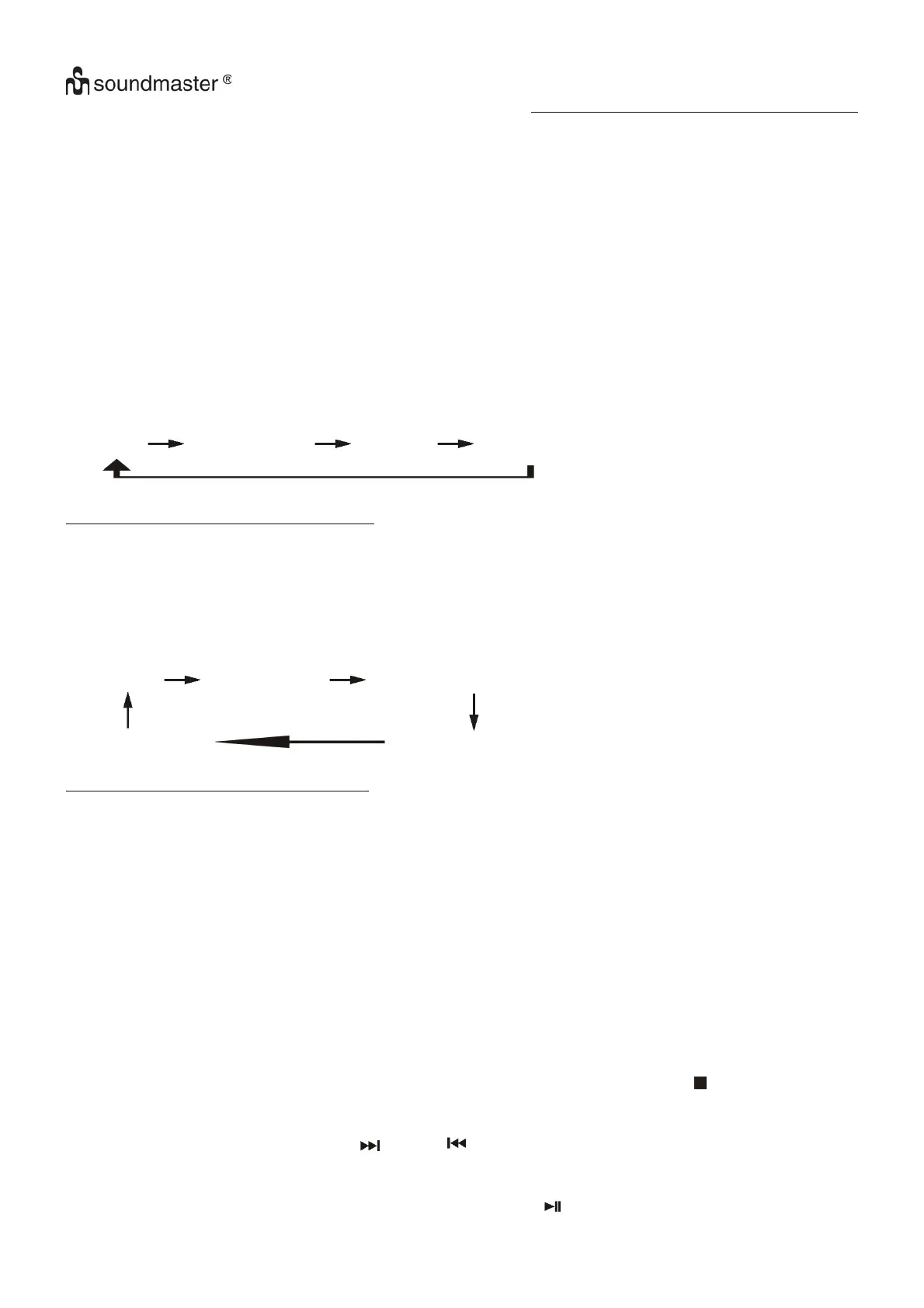
Press the “Play Mode” button on the remote control during playback to select repeat and random function, a single track, all the
tracks repeat or folder repeat (MP3 only) and random can be played in difference mode as follow:-
For CD
(1) repeat 1 (2) repeat all track (3) random (4) off mode
Play mode Indicator on LCD display
Repeat track Rep1
Repeat all Rep A
Random Rand
Off mode --------------
For MP3 Disc
(1) repeat 1 (2) repeat 1 folder (3) repeat all tracks
(5) off mode
(4) random
Play mode Indicator on LCD display
Repeat track Rep1
Repeat folder Rep F
Repeat all Rep A
Random Rand
Off mode --------------
z Repeat play
You can listen to the desired track, folder (for MP3 only) or whole disc repeat by this function.
z Random play
You can listen to all the tracks in a random order by this function.
CD programming
Up to 20 tracks can be programmed for disc play in any order. Before use, be sure to press the “stop ” button (3).
1. Set in CD mode & stop the CD playback.
2. Press the “Mem/Clk-Adj” button (12) and “MEM” will appear on LCD display (2).
3. Select a desired track by pressing skip up or down button (23/13).
4. Press the “Mem/Clk-Adj” button (12) to store the track into memory.
5. Repeat steps 3 and 4 to enter additional tracks into the memory if necessary.
6. When all the desired tracks have been programmed, press “Play/Pause ” button (16) to play the disc in assigned order.















 To Next Page