UR190 / English Instruction Manual
4
Storing preset stations
You can store up to 10 DAB stations as preset stations.
1. Tune to a DAB station.
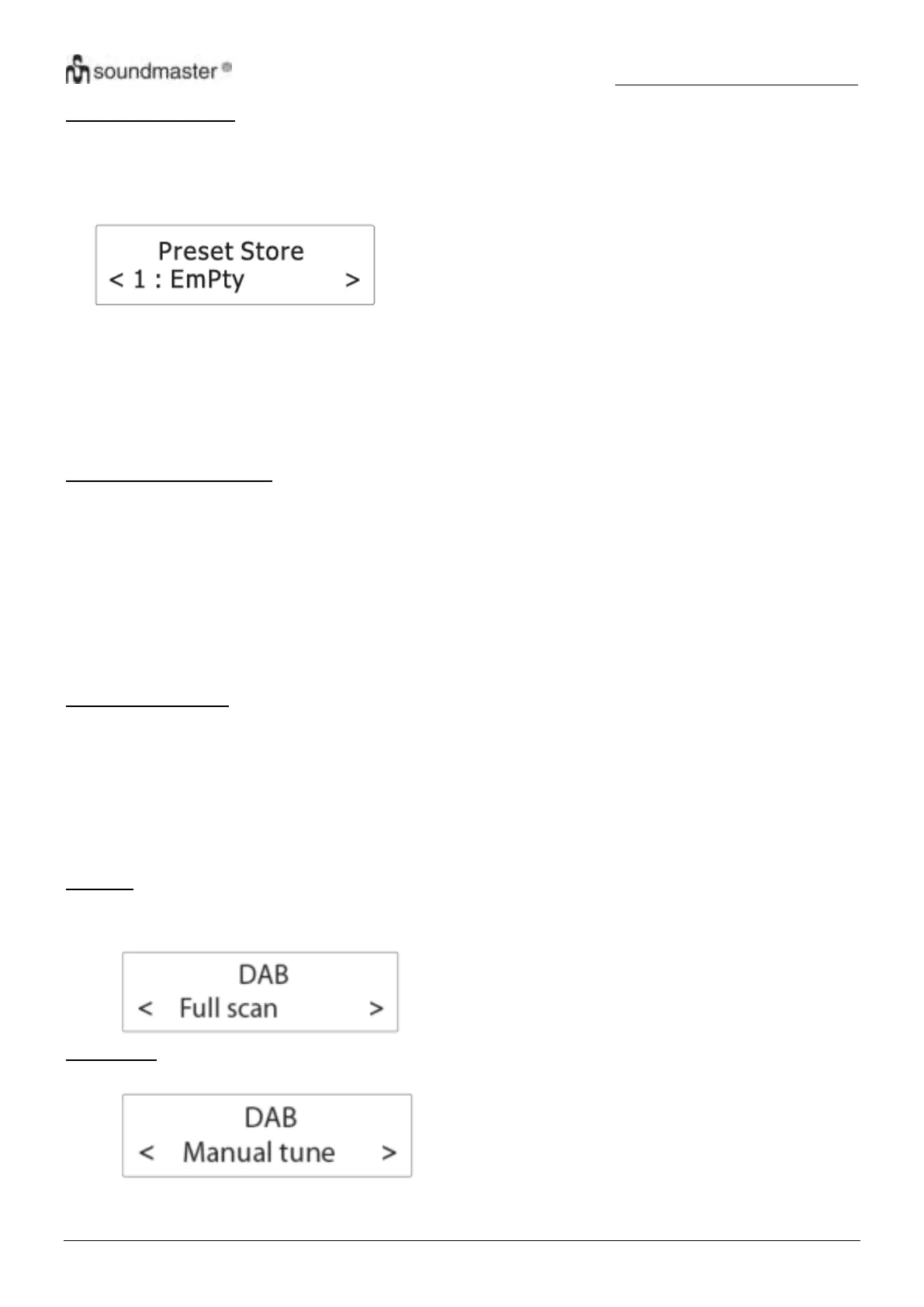
2. Press and hold “PRESET” (8) until “Preset Store” shows on the display.
3. Rotate “SELECT“ (12) to select a preset number.
4. Press “SELECT“ (12) to confirm.
The DAB station is stored with the selected preset number.
Repeat steps 1-4 to store more preset stations.
5. To tune to a preset station, press “PRESET” (8) once, then rotate “SELECT“ (12) to cycle through the list of
preset stations and then press “SELECT“ (12) to confirm the selection.
To change the DAB station assigned to a preset number, repeat steps 1 to 4 above to overwrite the existing DAB
station.
Displaying DAB information
Press “INFO”6) (repeatedly to cycle through the following information (if available).
Dynamic label segment (DLS)
Signal strength
Program type (PTY)
Ensemble name
Frequency
Signal error rate
Bitrate codec
Time
Date
Using the DAB menus
1. In DAB mode, press to access the DAB menus.
2. Rotate “SELECT“ (12) to cycle through the below options.
“Full scan”
“Manual tune”
“DRC”
“Prune”
“System”
See below for details of each option.
Full scan
Full scan is used to perform a wide range search for DAB stations.
Press “SELECT“ (12) to start scanning for available DAB stations. After the scanning is complete, the first
detected station is broadcast automatically.
Manual tune
1. Press “SELECT“ (12) to confirm the selection “Manual tune”.
2. Rotate “SELECT“ (12) to tune the frequency manually and confirm the selected frequency by pressing
“SELECT“ (12).











 To Next Page