UR190 / English Instruction Manual
11
On level
This setting defines the brightness level when the backlight is switched on.
1. Press “SELECT“ (12) to confirm the selection “On level”.
2. Rotate “SELECT“ (12) to cycle through the below brightness levels. The asterisk behind the option indicates
the current setting.
Low
Mid
High
3. Press “SELECT“ (12) to confirm the selected option.
Dim level
This setting defines the brightness level when the backlight is dimmed.
1. Press “SELECT“ (12) to confirm the selection “Dim level”.
2. Rotate “SELECT“ (12) to cycle through the below brightness levels. The asterisk behind the option indicates
the current setting.
Low
Mid
High
3. Press “SELECT“ (12) to confirm the selected option.
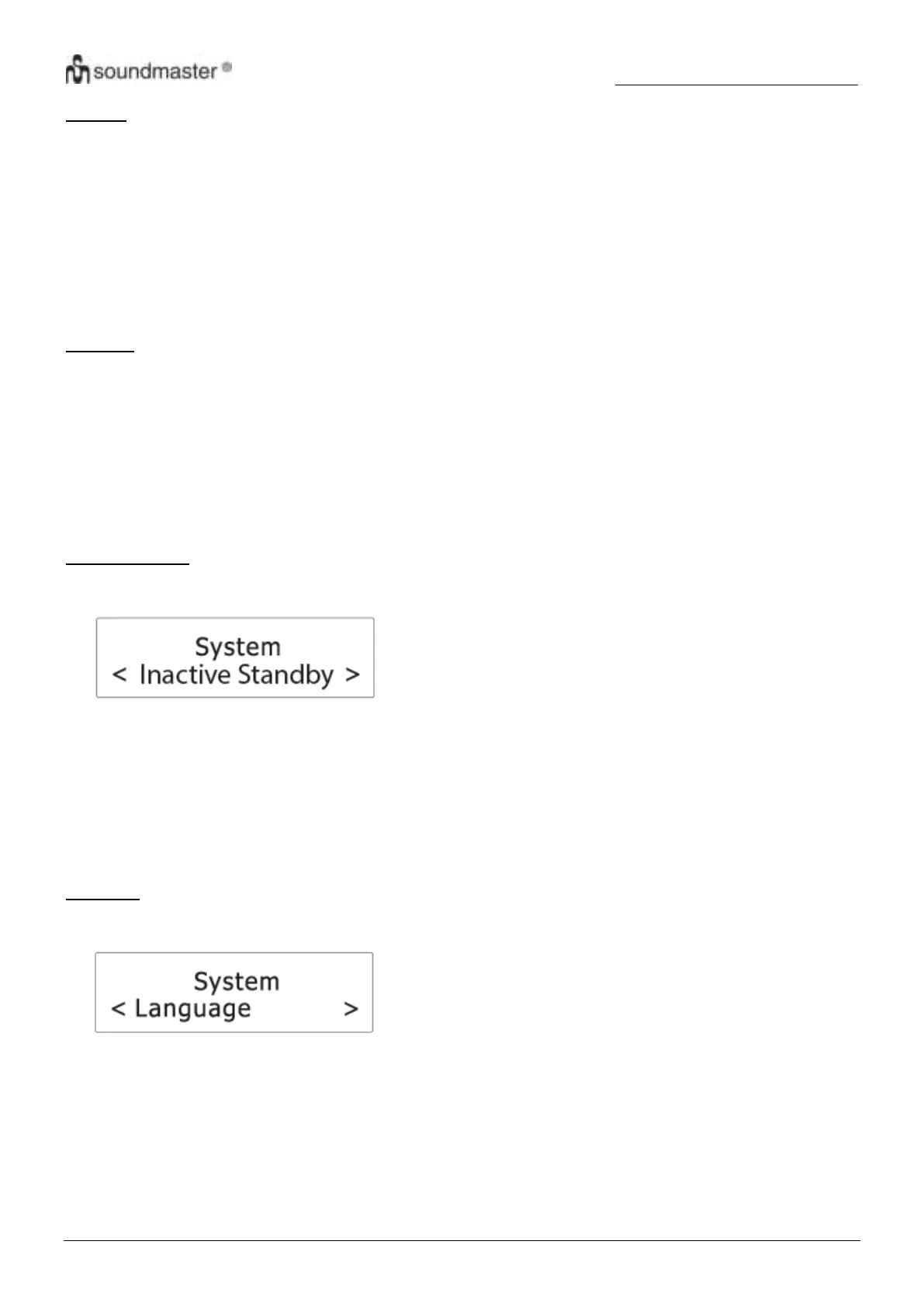
Inactive Standby
This setting defines the duration of time before the radio switches itself off automatically.
1. Press “SELECT“ (12) to confirm the selection “Inactive Standby”.
2. Rotate “SELECT“ (12) to cycle through the below time options. The asterisk behind the option indicates the
current setting.
Off
2 hour
4 hour
5 hour
6 hour
3. Press “SELECT“ (12) to confirm the selected option.
Language
This setting defines the language used in the menus.
1. Press “SELECT“ (12) to confirm the selection “Language”.
2. Rotate “SELECT“ (12) to cycle through the below language options. The asterisk behind the option indicates
the current setting.
English
Français (French)
Deutsch (German)
Italiano (Italian)
3. Press “SELECT” (12) to confirm the selected option.











 To Next Page