UR190 / English Instruction Manual
10
Set 12/24 hour
1. Press “SELECT“ (12) to confirm the selection “Set 12/24 hour”.
2. Rotate “SELECT“ (12) to cycle through the below time format options. The asterisk behind the option
indicates the current setting.
12: Show the time in 12-hour format.
24: Show the time in 24-hour format.
3. Press “SELECT“ (12) to confirm the selected option.
Set date format
1. Press “SELECT“ (12) to confirm the selection “Set date format”.
2. Rotate “SELECT“ (12) to cycle through the below date format options. The asterisk behind the option
indicates the current setting.
dd-mm-yyyy
mm-dd-yyyy
3. Press “SELECT“ (12) to confirm the selected option.
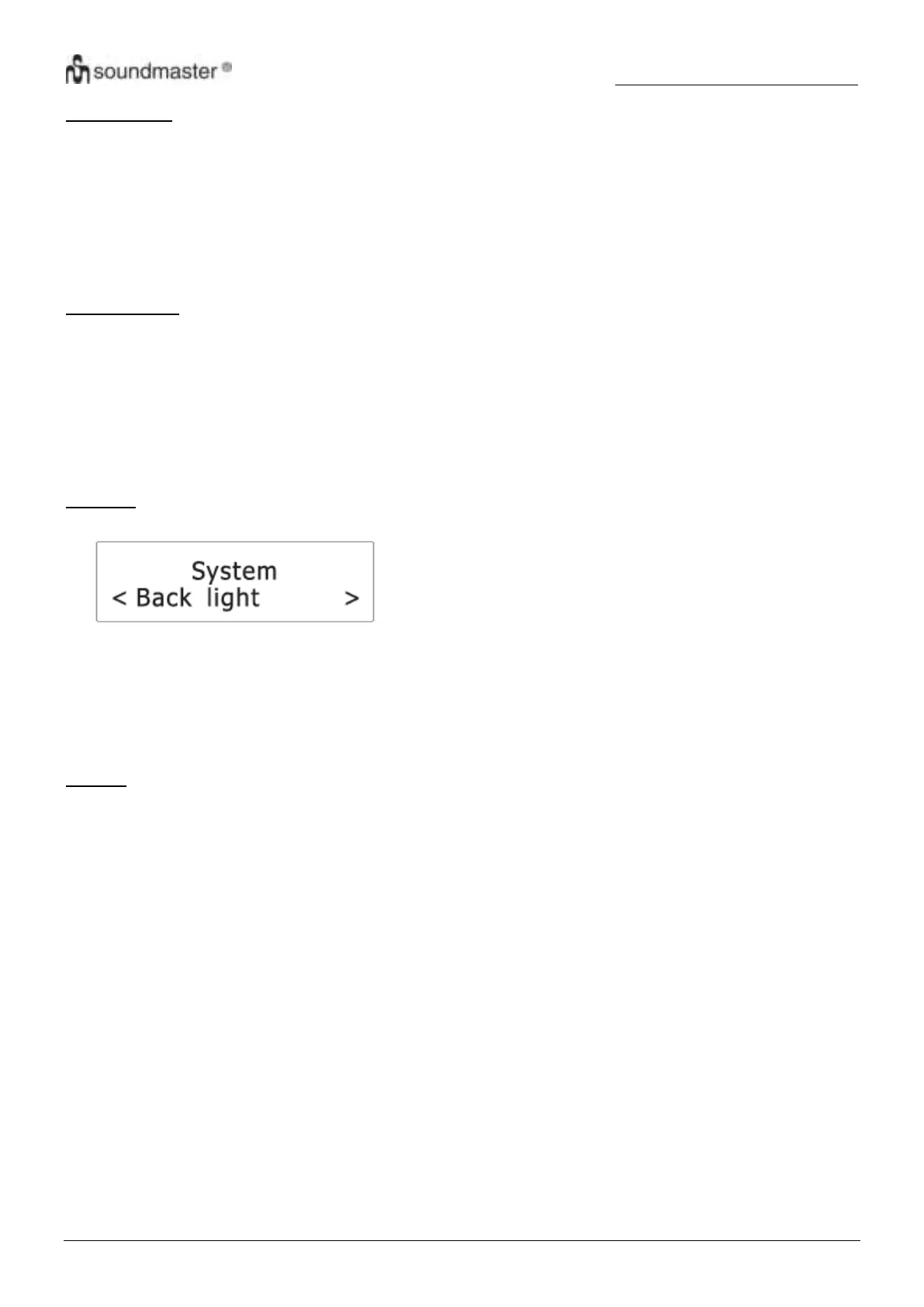
Backlight
1. Press “SELECT“ (12) to confirm the selection “Backlight”.
2. Rotate “SELECT“ (12) to cycle through the below options. The asterisk behind the option indicates the
current setting.
Timeout
On level
Dim level
See below for details of each option.
Timeout
This setting defines the duration of the backlight before it is dimmed.
1. Press “SELECT” (12) to confirm the selection “Timeout”.
2. Rotate “SELECT” (12) to cycle through the below timeout options (in seconds). The asterisk behind the
option indicates the current setting.
On (the backlight does not dim)
10 sec
20 sec
30 sec
45 sec
60 sec
90 sec
120 sec
180 sec
3. Press “SELECT” (12) to confirm the selected option.











 To Next Page