UR190 / English Instruction Manual
9
Equaliser
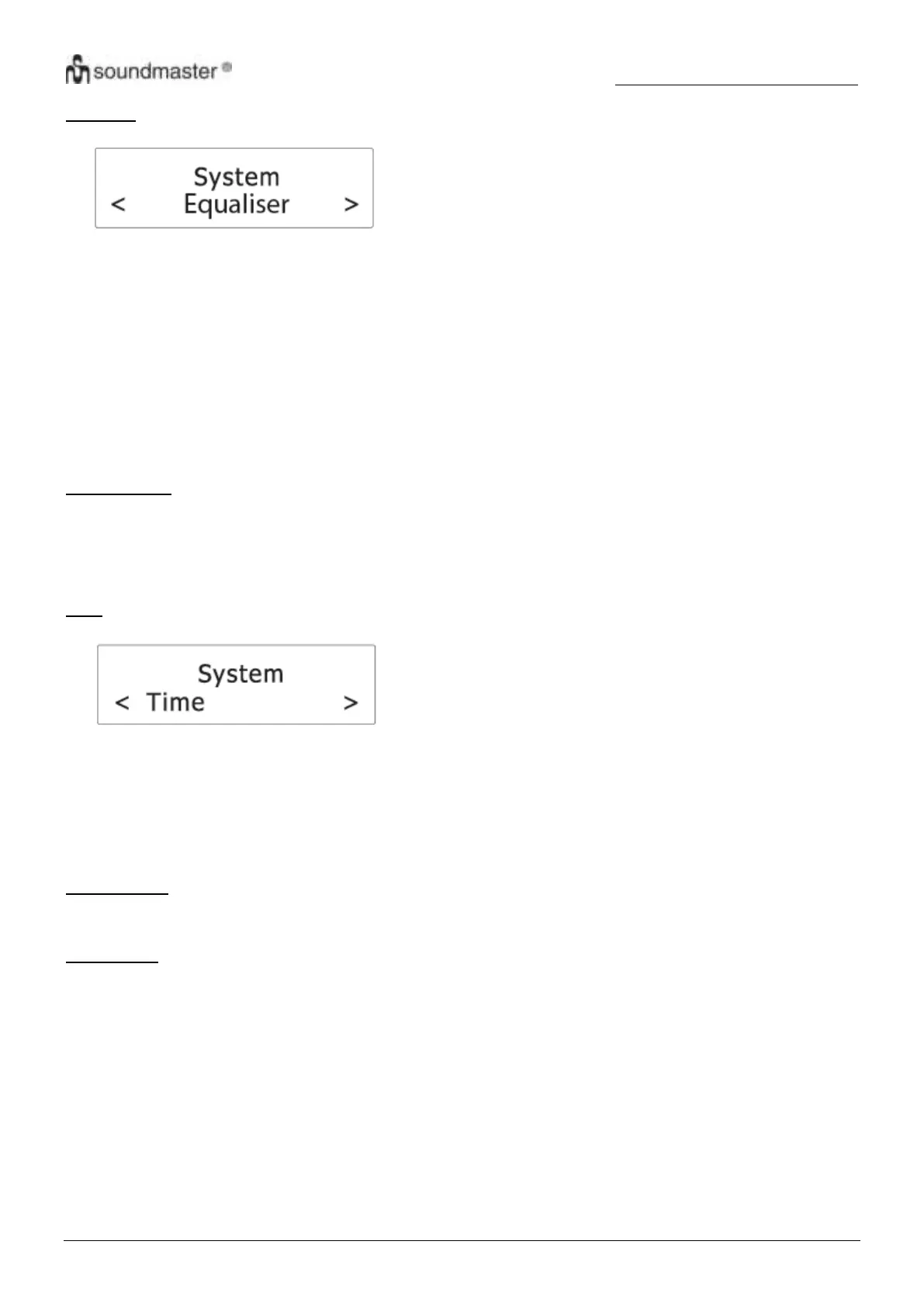
1. Press “SELECT“ (12) to confirm the selection “Equaliser”.
2. Rotate “SELECT“ (12) to cycle through the below equalizer options. The asterisk behind the option indicates
the current setting.
My EQ (see chapter “Setting My EQ”)
Normal
Classic
Jazz
Pop
Rock
Speech
3. Press “SELECT“ (12) to confirm the selected option.
Setting My EQ
1. After “My EQ” has been selected, rotate “SELECT“ (12) to select between “Treble” and “Bass”. Press
“SELECT“ (12) to confirm the selection.
2. Rotate “SELECT“ (12) to adjust the treble or bass level and then press “SELECT“ (12) to confirm the
settings. The asterisk behind the level indicates the current setting.
Time
1. Press “SELECT“ (12) to confirm the selection “Time”.
2. Rotate “SELECT“ (12) to cycle through the below options. The asterisk behind the option indicates the current
setting.
Set Time/Date
Auto Update
Set 12/24 hour
Set date format
See below for details of each option.
Set Time/Date
See chapter “Setting the clock”.
Auto Update
This setting defines how the radio updates the time and date information.
1. Press “SELECT“ (12) to confirm the selection “Auto Update”.
2. Rotate “SELECT“ (12) to cycle through the below options. The asterisk behind the option indicates the
current setting.
Update from “Any”: Update the time and date from any available signals.
Update from “DAB”: Update the time and date from DAB signals.
Update from “FM”: Update the time and date from FM signals.
“No update”: Do not update the time and date.
3. Press “SELECT“ (12) to confirm the selected option.











 To Next Page