UR2170 / English Instruction Manual
9
Listen the radio DAB
•
Press <Power> once to turn on the radio.
•
Press <FUNC> to select device work mode to DAB
•
Electronic Volume Control
a.
Press <VOL+ > once, to increase speaker volume by one step. Hold for
continually.
b.
Press <VOL-> once, to decrease speaker volume by one step. Hold for
continually.
•
How to listen DAB station
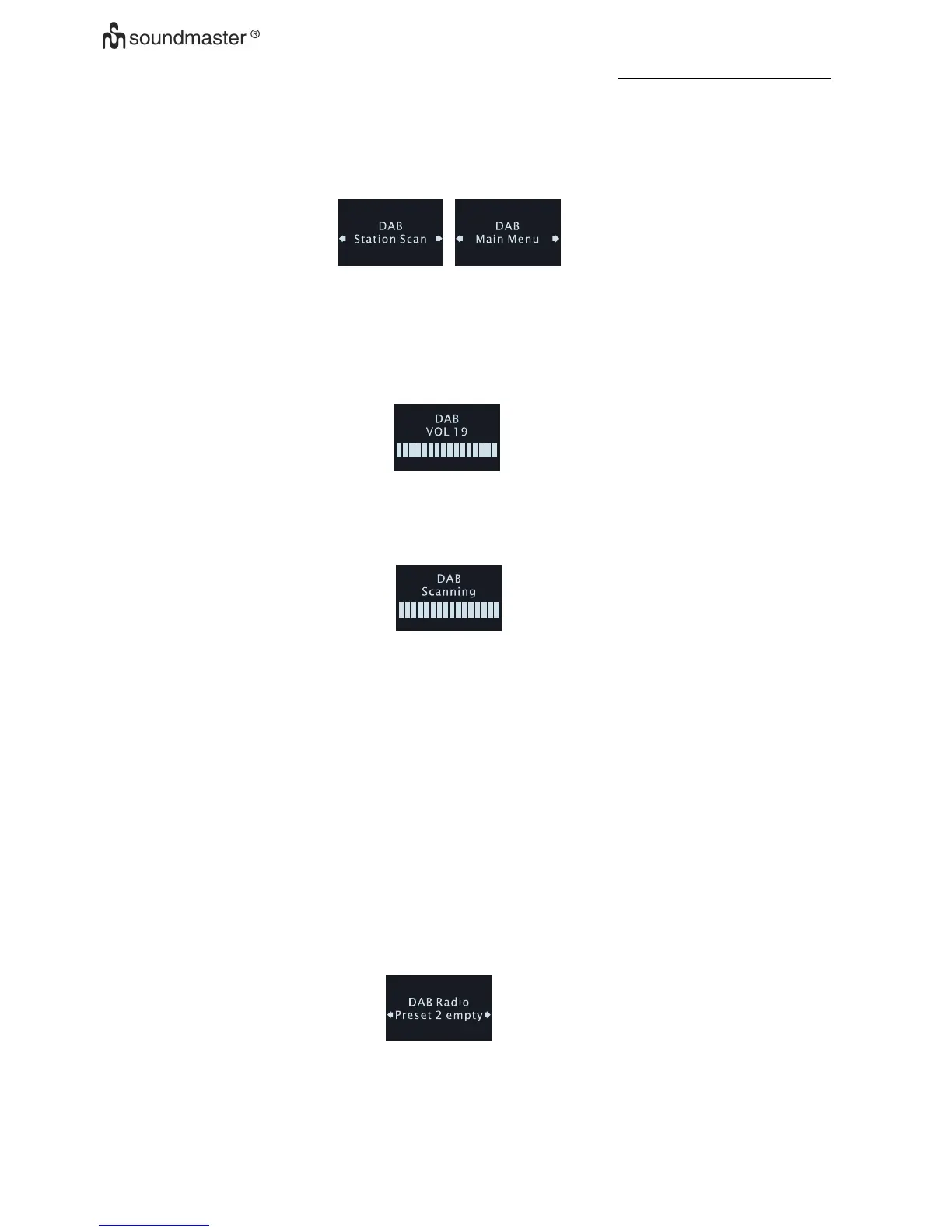
a. When device first to using DAB , Automatic Scan function will start automatically and
"Scanning” on LCD as below :
b. Till the action finish ,Select DAB station
c. Press <UP> or <DOWN>once to select DAB station list.
d. Press < enter > once to confirm and tune to the station.
e. Store station into preset
f. Press <Preset> once to select location of preset mode.
g. Press <Up> or <Down> to change location.
h. Press and hold < enter > to store value of station into current location.
i. Another way to search stations, In DAB mode, Press and hold <Info> until the display
show “Station scan”, then press <Enter> to choose “Manual tune” from
174.928-239.200 MHz
•
Recall the preset
a. Press <MEM> once to select location of preset mode, display show on below
information
b. Press <Up> or <Down> to change location.
c. Press <Enter> to confirm select and recall the frequency.











 To Next Page