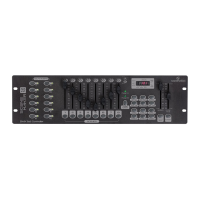
6. Music/Bank Copy: Activates Music mode or copies a bank of scenes.
7. LED Display: Shows current activity or programming state.
8. Mode indicator LEDs: Provides operating mode status (Manual, Music or Auto).
9. Bank Up: Selects target bank from the available 30 banks.
10. Bank Down: Selects target bank from the available 30 banks.
11. TAP SYNC/DISPLAY: This is a Tap-Sync during playback, and commutes DMX
value changes displayed in the LED panel to percentages during programming.
12. Blackout button: Sets all channel to “0”.
13. MIDI/Add Button: Activates MIDI external control and is also used to conrm the
record/save process.
14. Auto/Del Button: Used to activate Auto mode and as delete function during
programming.
15. Chase Buttons (1-6): These buttons are used to activate chases of programmed
scenes.
16. Speed fader: This will adjust running time of a scene or a step within a chase.
17. Fade-Time fader: Also considered a cross-fade, sets the interval time between two
scenes in a chase.
18. Page A indicator LED: Represents Ch 1-8 range selected.
19. Page B indicator LED: Represents Ch 9-16 range selected.
20. Page Select Button: Used to select Page A (1-8) and Page B (9-16). In manual
mode, press to toggle between the two pages or to select both pages simultane-
ously. Both LEDs on will allow control of both lower and upper range channel.
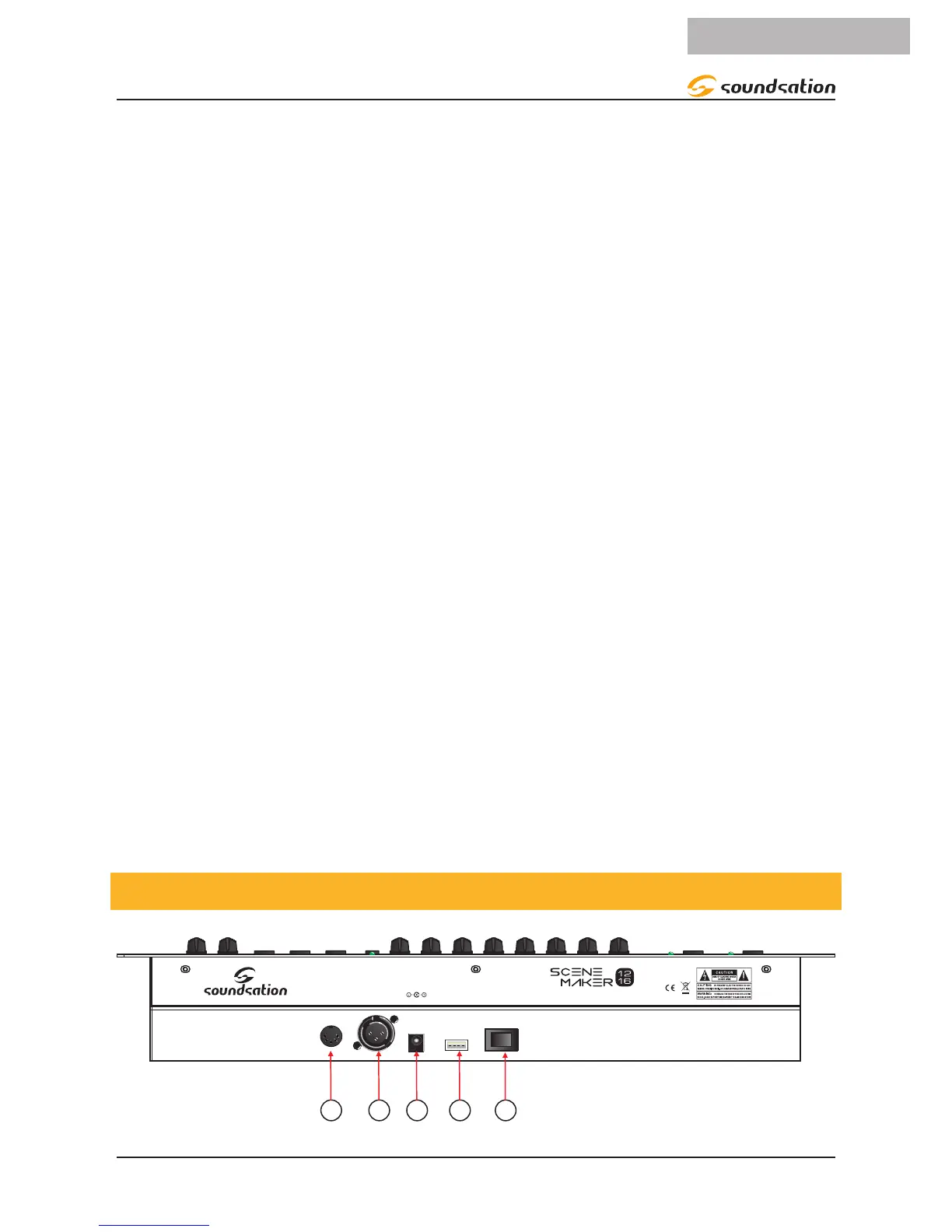
4.2. Rear Panel
DC Input
9V-500mA
DMX
Output
MIDI LAMP POWER
MADE IN CHINA
DESIGNED IN ITALY BY SOUNDSATION
DMX 512 Controller


 To Next Page