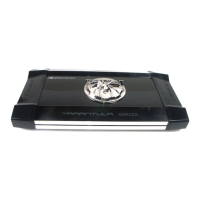
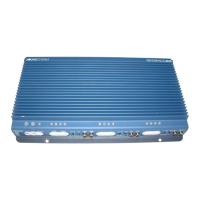
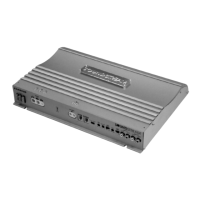
TARANTULA Troubleshooting Guide
Symptom Possibl e Remedy
Amplier
will not
power up
Check to make sure you have a good ground connection.
Chec k that there is ba ttery power o n the (+) termi nal .
Check all fuses, replace if necessary .
Make sure that the Protection LED is not illuminated.
Protection
LED Comes on
Check for short circuits on speaker leads.
Check the speaker load not beyond the minimum load.
Remove speaker lead, and reset the amplifier. If theprotection LED still
Comes on, then the amplifier is faulty and needs servicing .
No output Check that the RCA audio cables are plugged into the proper inputs.
Chec k all speakers wirin g.
Check the headunit output and the amplifier level setting.
Low output Reset the level Control.
Check the Crossover Control settings.
High hiss in
The speakers
Check the RCA cable is not shorted to power ground at amplifier side.
Check the amplifier grounding.
Distorted sound
Che ck that the Input level control is set to match the signal level of the he ad
unit. Always try to set the Input level as low as possible.
Check that all crossover frequencies are properly set.
Check for short circuits on the speaker leads.
Amplifier gets
Very hot
Chec k that the minimum lo ad impedance for the am plifi er model is correc t.
Check that there is good air circulation around the amplifier. In some
applications, It may be necessary to add an external cooling fan.

 To Next Page
 Loading...