Source Technologies, LLC ST9612 Secure MICR Printer User’s Guide
37
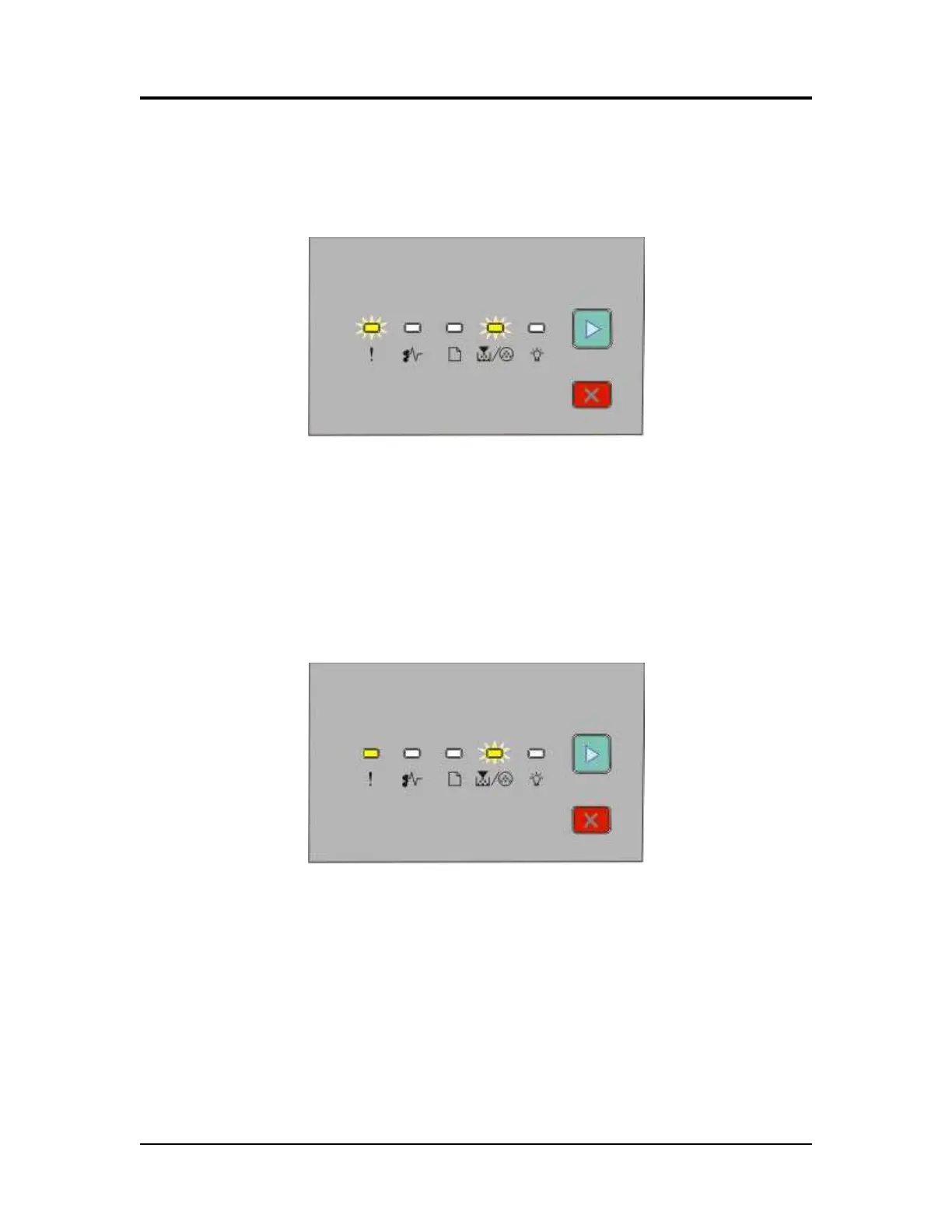
Replace Photoconductor (printer hard stop)
After the photoconductor unit exceeds 15% beyond the usable life point, the printer will
hard stop with the Error and Toner Low / Replace PC lights BLINKING and the Continue
button ON. If you press Continue, one page will print with instructions in multiple
languages to replace the Photoconductor Unit referring to Appendix F.
Load MICR Toner
The Source Technologies’ Secure MICR Printer only supports MICR toner cartridges in
its normal configuration. This prevents the printing of MICR documents with standard
toner. If configured to support both MICR and standard cartridges, the PJL MICRJOB
command checks the cartridge type and will prompt the operator with the following
pattern to load MICR toner if not present.
MICR Commands | 7



 To Next Page