Source Technologies, LLC ST9612 Secure MICR Printer User’s Guide
1
1. Printer and Driver Installation
Note: To access Source Technologies’ secure fonts loaded on the printer, such as
the E13B MICR font, download the universal driver as described in the next
section. The printer drivers on this CD may be used for general office printing but
do not facilitate using secure fonts.
For complete information on how to unpack and setup your printer, see your printer’s
user’s guide.
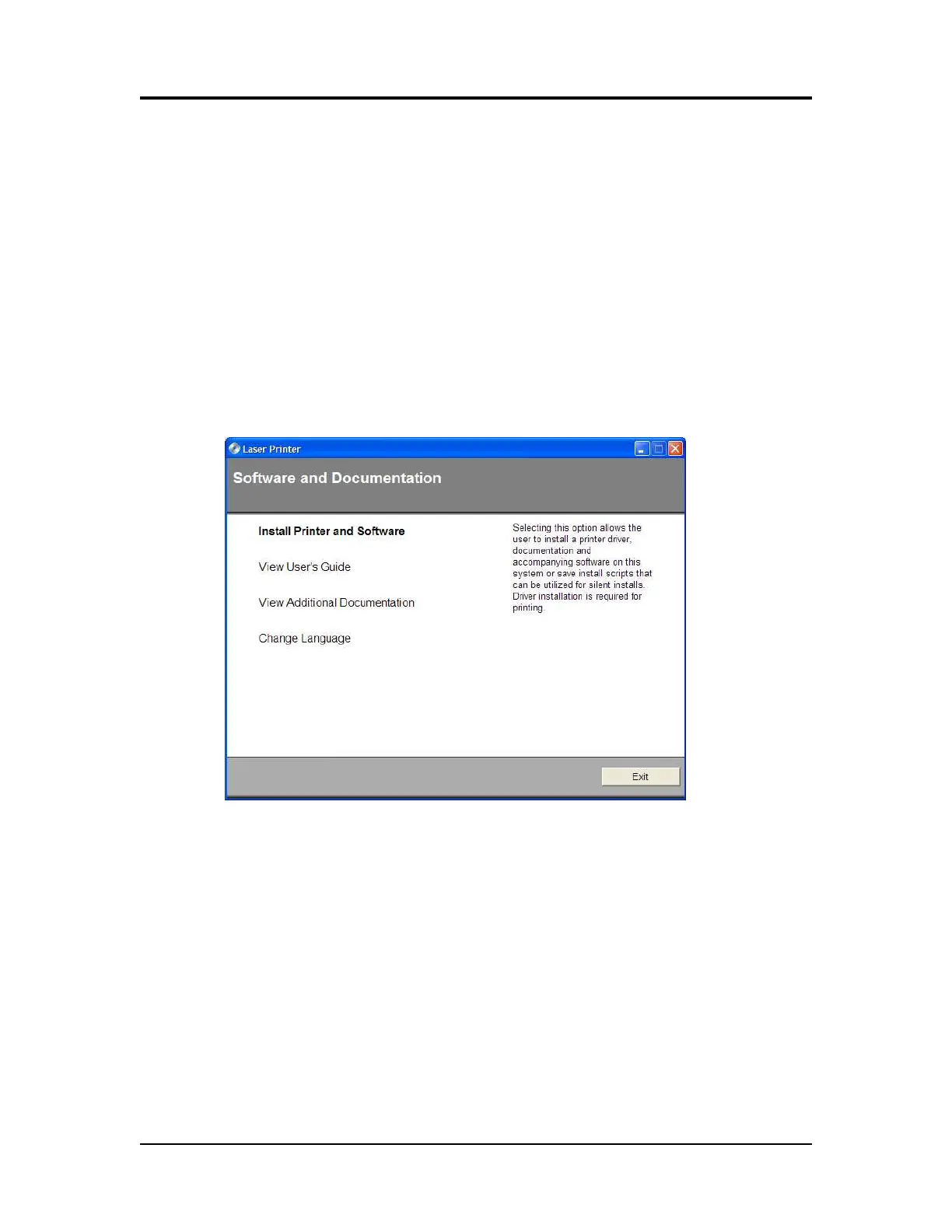
1. Locate the CD that was shipped with your printer and load into CD drive. The
CD should auto-run and the following screen will be displayed. If auto-run is
disabled on your computer, browse to the CD and click Setup.exe to run
2. Click on View User’s Guide for information on unpacking, installing, and
operating your printer.
Printer and Driver Installation | 1



 To Next Page