2
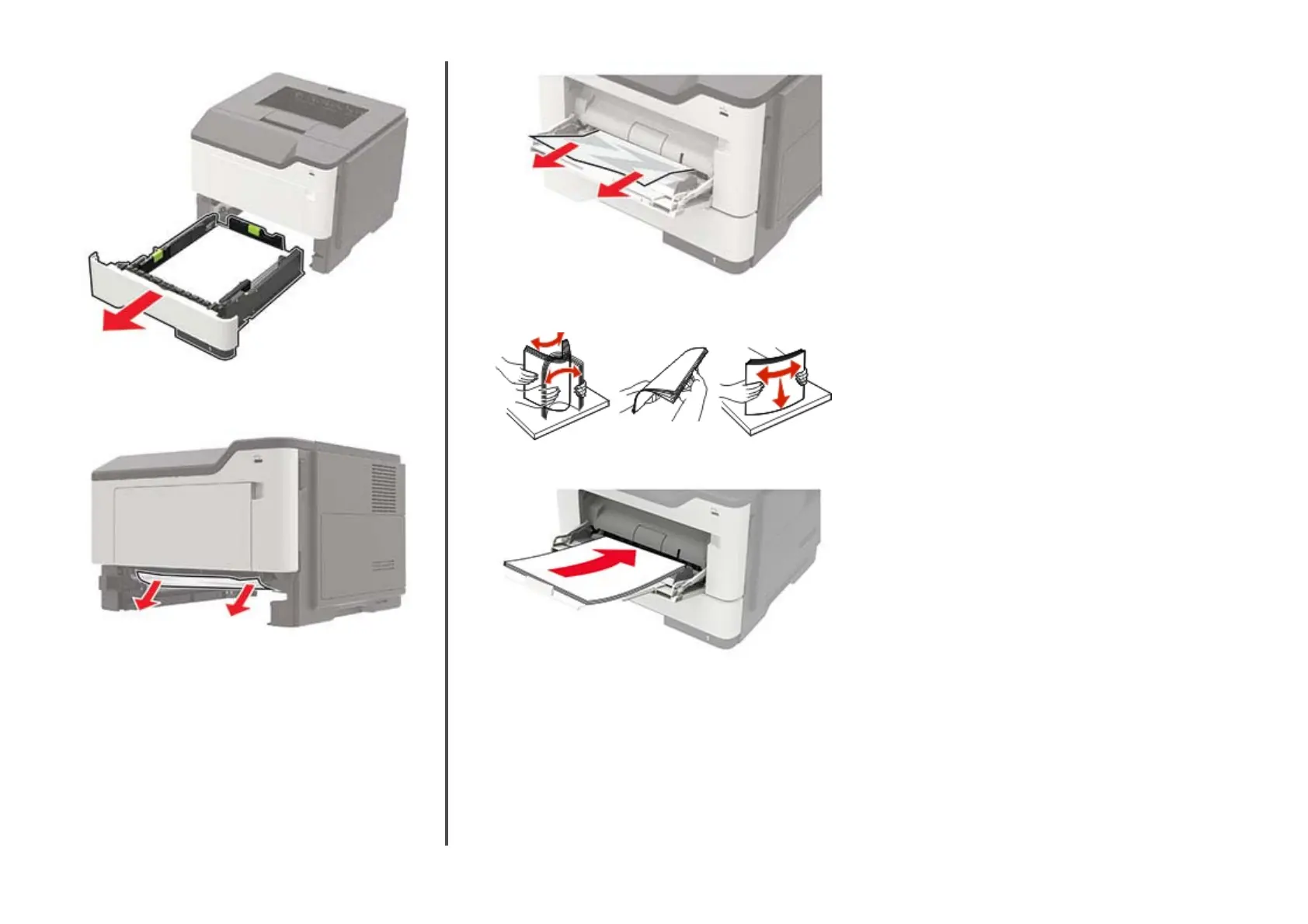
Remove the jammed paper.
Note: Make sure that all paper fragments are removed.
3
Insert the tray.
Paper jam in the multipurpose feeder
1
Remove paper from the multipurpose feeder.
2
Remove the jammed paper.
Note: Make sure that all paper fragments are removed.
3
Flex, fan, and align the paper edges before loading.
4
Reload paper, and then adjust the paper guide.
8
11401A Granite Street | Charlotte, NC | 800.922.8501 | Sourcetech.com



 To Previous Page