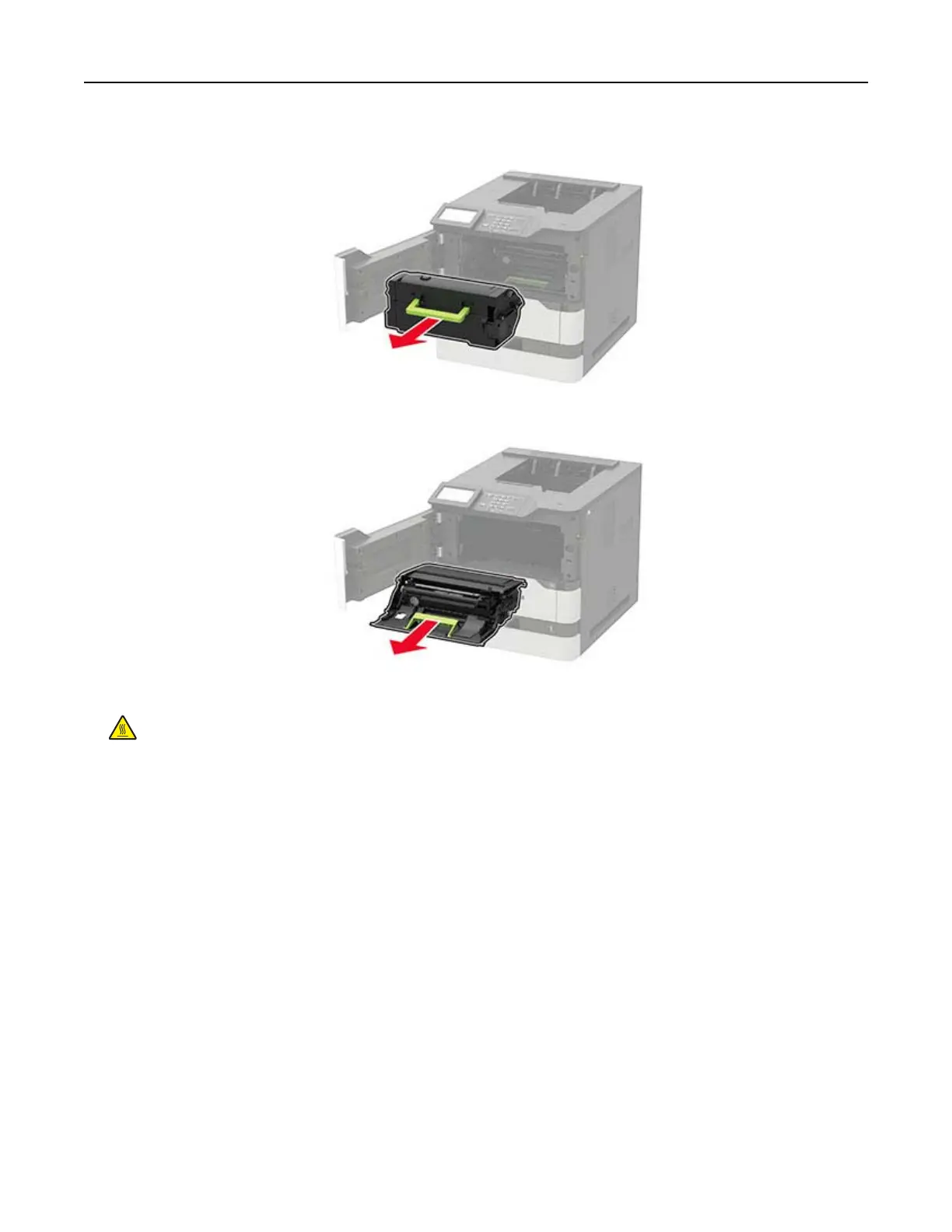
2 Remove the toner cartridge.
3 Remove the imaging unit.
4 Remove the used transfer roller.
CAUTION—HOT SURFACE: The inside of the printer might be hot. To reduce the risk of injury from a
hot component, allow the surface to cool before touching it.
Maintaining the printer 104



 To Next Page