3 From the Supplies menu, click Custom Supply Notifications.
4 Select a notification for each supply item.
5 Apply the changes.
Replacing parts and supplies
Replacing the toner cartridge
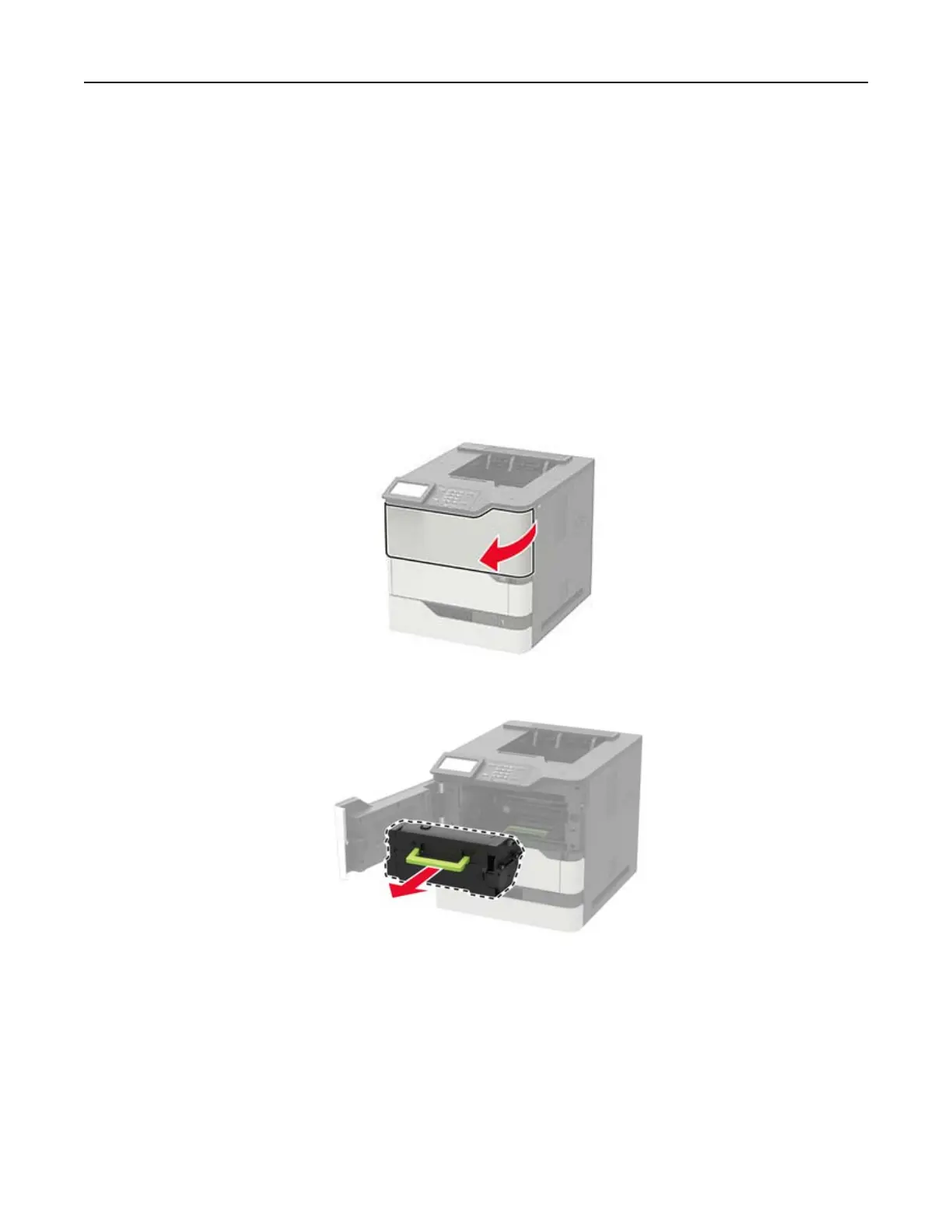
1 Open door A.
Warning—Potential Damage: To prevent damage from electrostatic discharge, touch any exposed metal
frame of the printer before accessing or touching interior areas of the printer.
2 Remove the used toner cartridge.
Maintaining the printer 95



 To Next Page