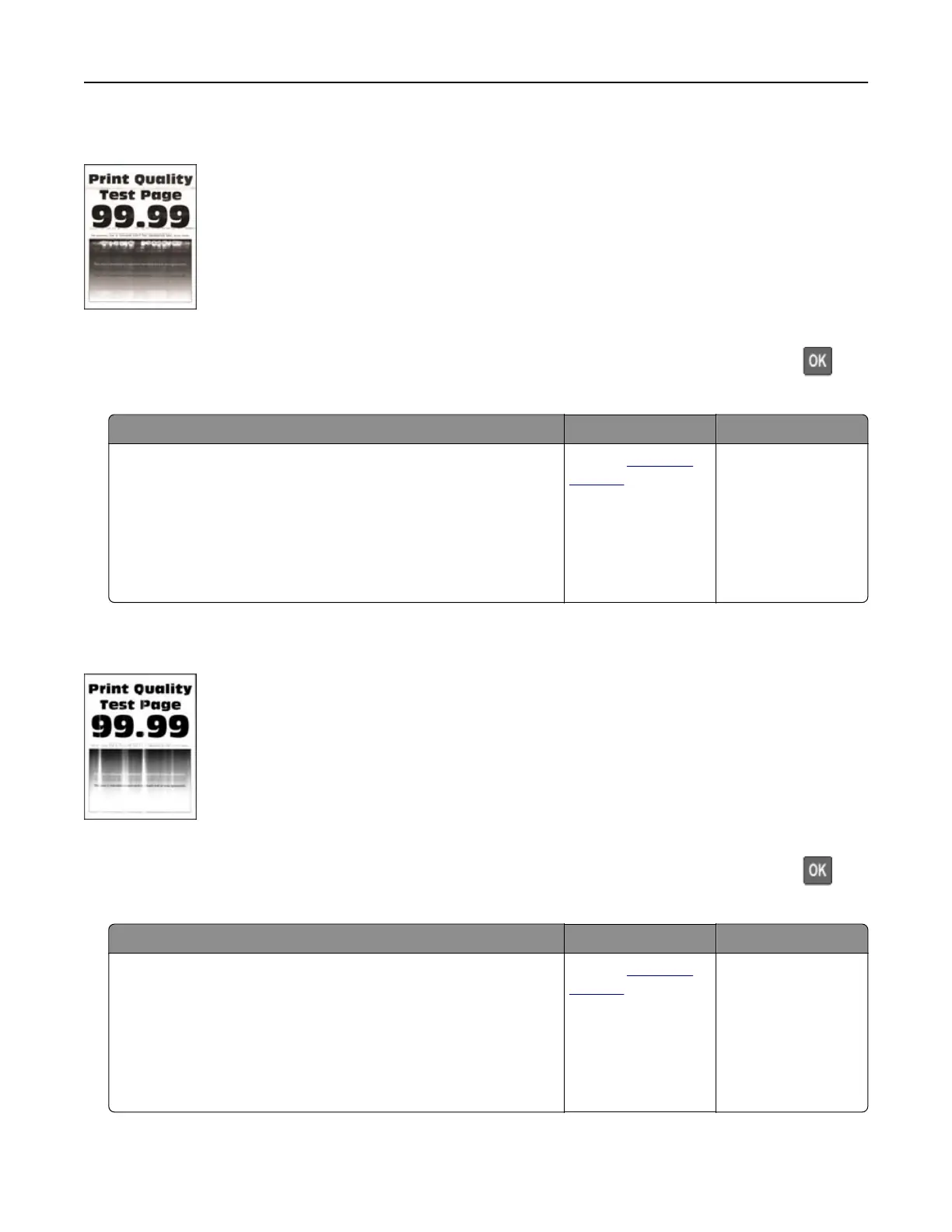
Horizontal light bands
Note: Before solving the problem, print the Print Quality Test Pages. From the control panel, navigate to
Settings > Troubleshooting > Print Quality Test Pages. For non‑touch‑screen printer models, press
to
navigate through the settings.
Action Yes No
a Check if the printer is using a genuine and supported toner
cartridge.
Note: If the cartridge is not supported, then install a
supported one.
b Print the document.
Do horizontal light bands appear on prints?
Contact
customer
support.
The problem is
solved.
Vertical light bands
Note: Before solving the problem, print the Print Quality Test Pages. From the control panel, navigate to
Settings > Troubleshooting > Print Quality Test Pages. For non‑touch‑screen printer models, press
to
navigate through the settings.
Action Yes No
a Check if the printer is using a genuine and supported toner
cartridge.
Note: If the cartridge is not supported, then install a
supported one.
b Print the document.
Do vertical light bands appear on prints?
Contact
customer
support.
The problem is
solved.
Troubleshooting 160



 To Next Page