Installing the output expander or high‑capacity output expander
CAUTION—TIPPING HAZARD: Installing one or more options on your printer or MFP may require a
caster base, furniture, or other feature to prevent instability causing possible injury. For more information
on supported configurations, contact the place where you purchased the printer.
1 Turn o the printer.
2 Unplug the power cord from the electrical outlet, and then from the printer.
3 Unpack the output expander or high‑capacity output expander.
Note: You may need to install the guide bar before installing either of the options. For more information,
see the installation sheet that came with the guide bar.
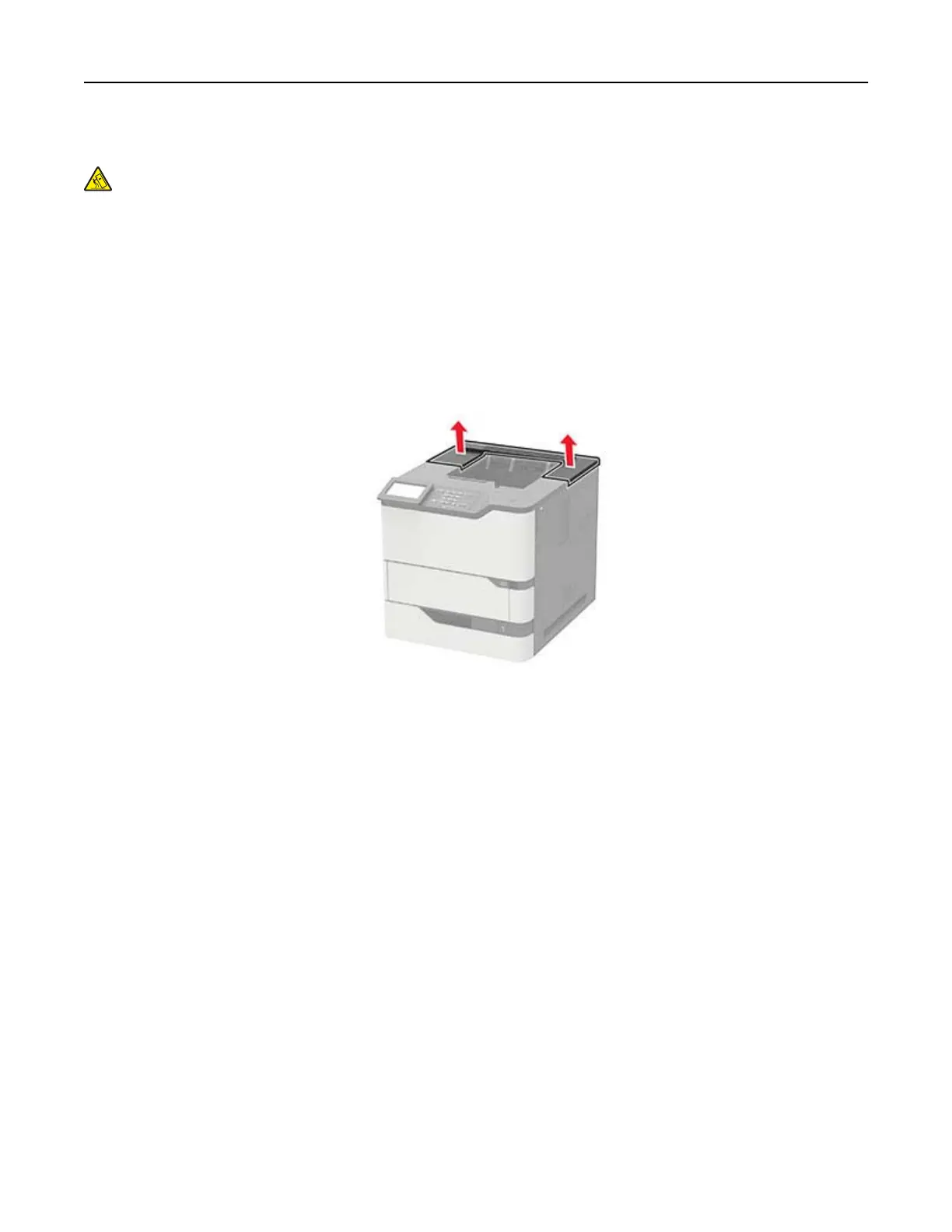
4 Remove the printer top cover.
Upgrading and migrating 187



 To Next Page