Menu item Description
Eco-Mode
O*
Energy
Energy/Paper
Paper
Minimize the use of energy, paper, or specialty media.
Note: Setting Eco‑Mode to Energy or Paper may
aect
printer performance, but not print quality.
Schedule Power Modes
Schedules
Schedule the printer when to enter Sleep or Hibernate mode.
Note: This menu item appears only in some printer models.
Note: An asterisk (*) next to a value indicates the factory default setting.
Accessibility
Note: This menu appears only in some printer models.
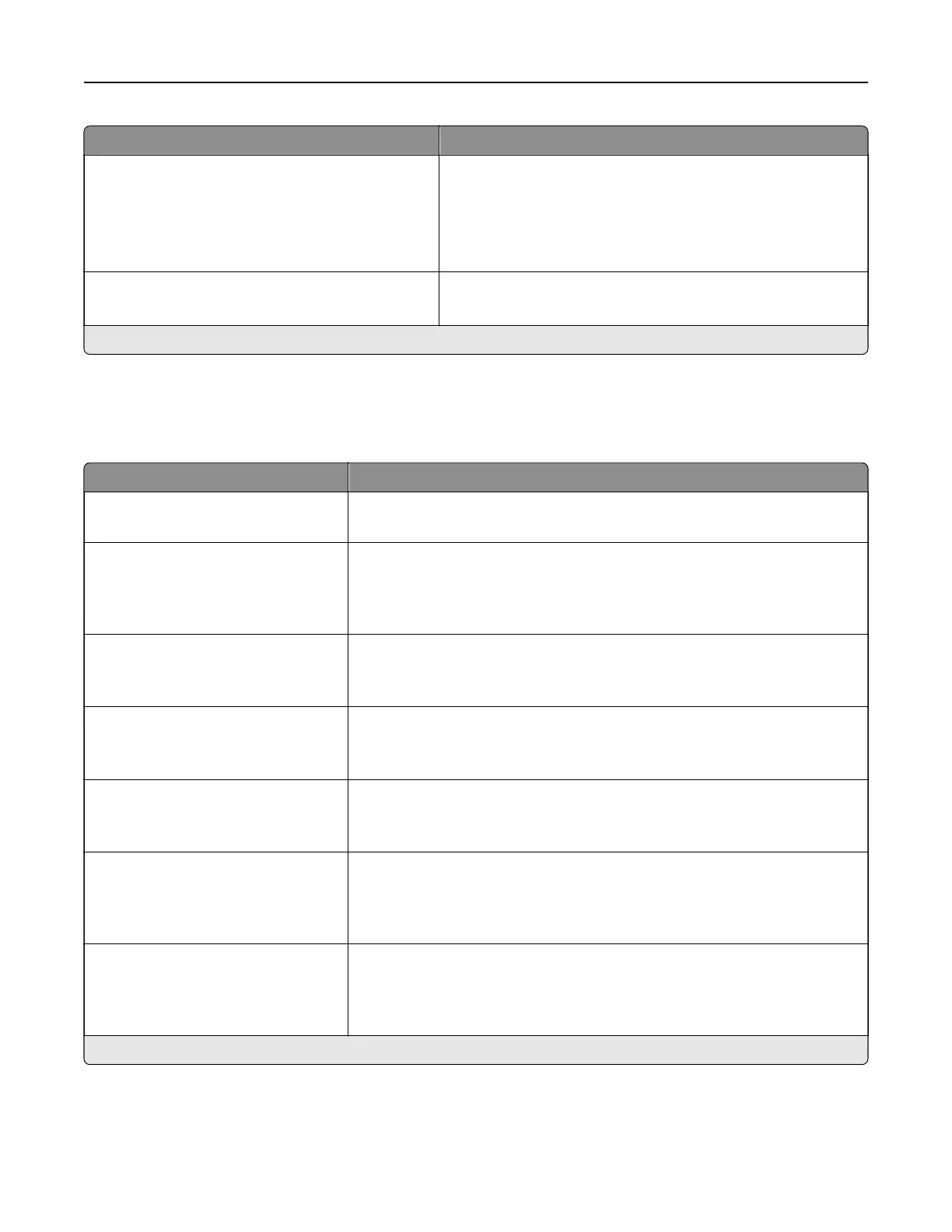
Menu item Description
Duplicate Key Strike Interval
0–5 (0*)
Set the interval in seconds during which the printer ignores duplicate key
presses on an attached keyboard.
Key Repeat Initial Delay
0.25–5 (1*)
Set the initial length of delay in seconds before a repeating key starts
repeating.
Note: This menu item appears only when a keyboard is attached to the
printer.
Key Repeat Rate
0.5–30 (30*)
Set the number of presses per second for a repeating key.
Note: This menu item appears only when a keyboard is attached to the
printer.
Prolong Screen Timeout
O*
On
Let the user remain in the same location and reset the Screen Timeout timer
when it expires instead of returning to the home screen.
Headphone Volume
1–10 (5*)
Adjust the headphone volume.
Note: This menu item appears only when a headphone is attached to the
printer.
Enable Voice Guidance When
Headphone Is Attached
O*
On
Enable Voice Guidance when a headphone is attached to the printer.
Speak Passwords/PINs
O*
On
Set the printer to read out loud passwords or personal identification
numbers.
Note: This menu item appears only when a headphone or a speaker is
attached to the printer.
Note: An asterisk (*) next to a value indicates the factory default setting.
Understanding the printer menus 50



 To Next Page