7
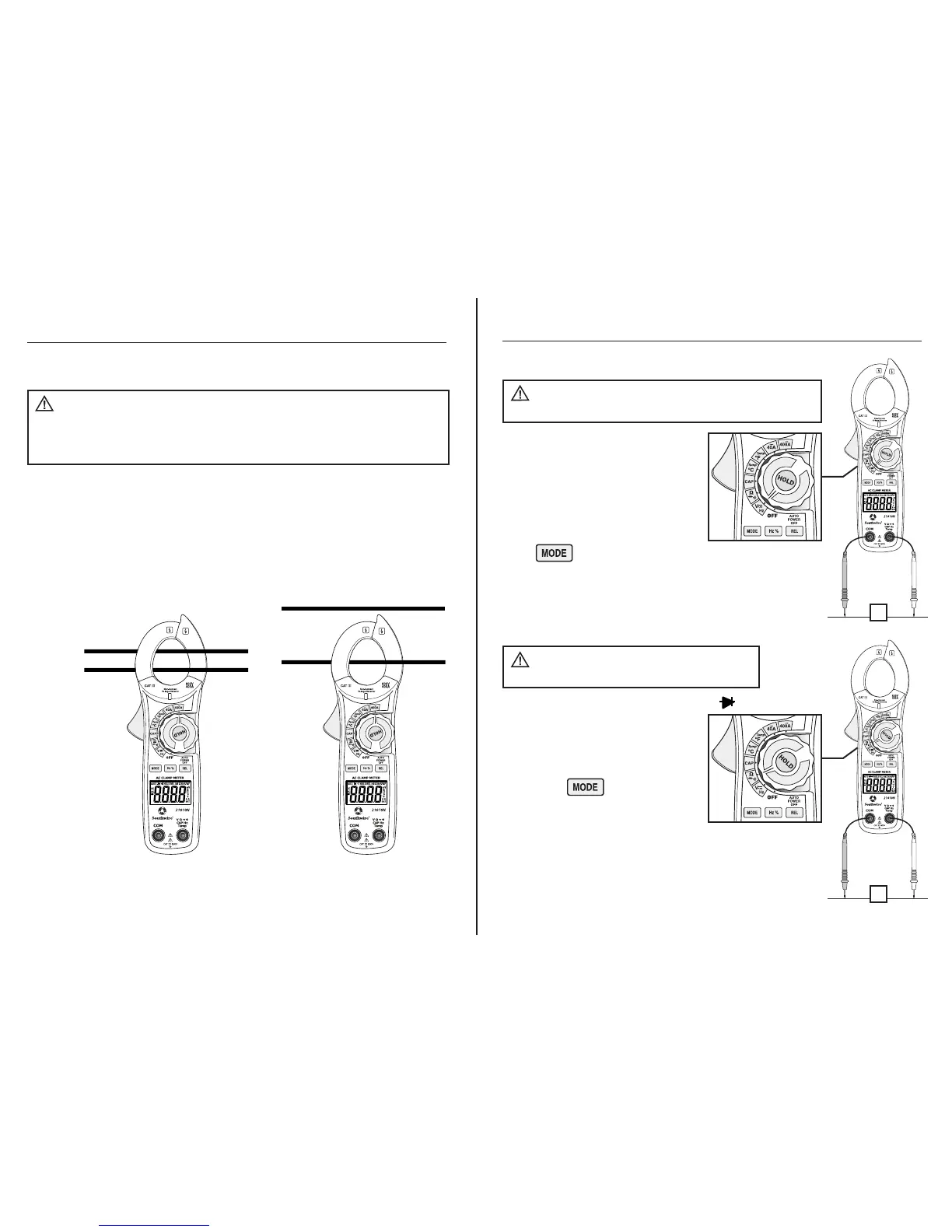
Incorrect Correct
NO YES
Disconnect the test leads and temperature probe from
the meter before making current clamp measurements. Do not measure
current on conductors that are more than 600V above earth ground.
Observe all safety precautions when working on live conductors
Operation
AC Current Measurements
WARNINGS:
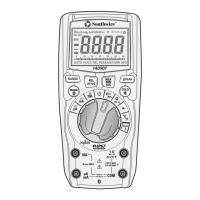
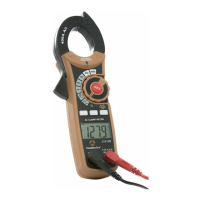
1. Set the rotary function switch to the AC 400A or 40A position.
2. If the range is not known, select the higher range first, and then move to the
lower range if necessary.
3. Press the trigger to open the jaw. Clamp around a single conductor making
sure the jaws are fully closed before taking a measurement. For best results,
center the conductor inside the jaw.
4. Read the current on the LCD display.
8
1. Set the rotary function switch to
the VAC/DC, Hz position.
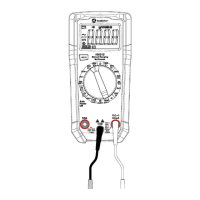
2. Insert the black test lead into the
negative COM input jack and the
red test lead into the positive V
input jack.
3. Select AC or DC with
the button.
4. Connect the test leads in parallel to the circuit under test.
5. Read the voltage on the LCD display.
Observe all safety precautions
when working on live voltages.
Operation cont.
DC/AC Voltage Measurements
WARNING:
1. Set the rotary function switch to the Ω •))) position.
2. Insert the black test lead into the
negative COM input jack and the
red test lead into the positive Ω
input jack.
3. Press the button until the
“Ω” symbol appears on the display.
4. Touch the test probe tips across
the circuit or component under test. It is best to disconnect
one side of the device under test so the rest of the circuit
will not interfere with the resistance reading.
5. Read the resistance on the LCD display.
Never test resistance
on a live circuit.
Resistance Measurements
WARNING:
V
Ω


 To Next Page