7 8
Operation Operation
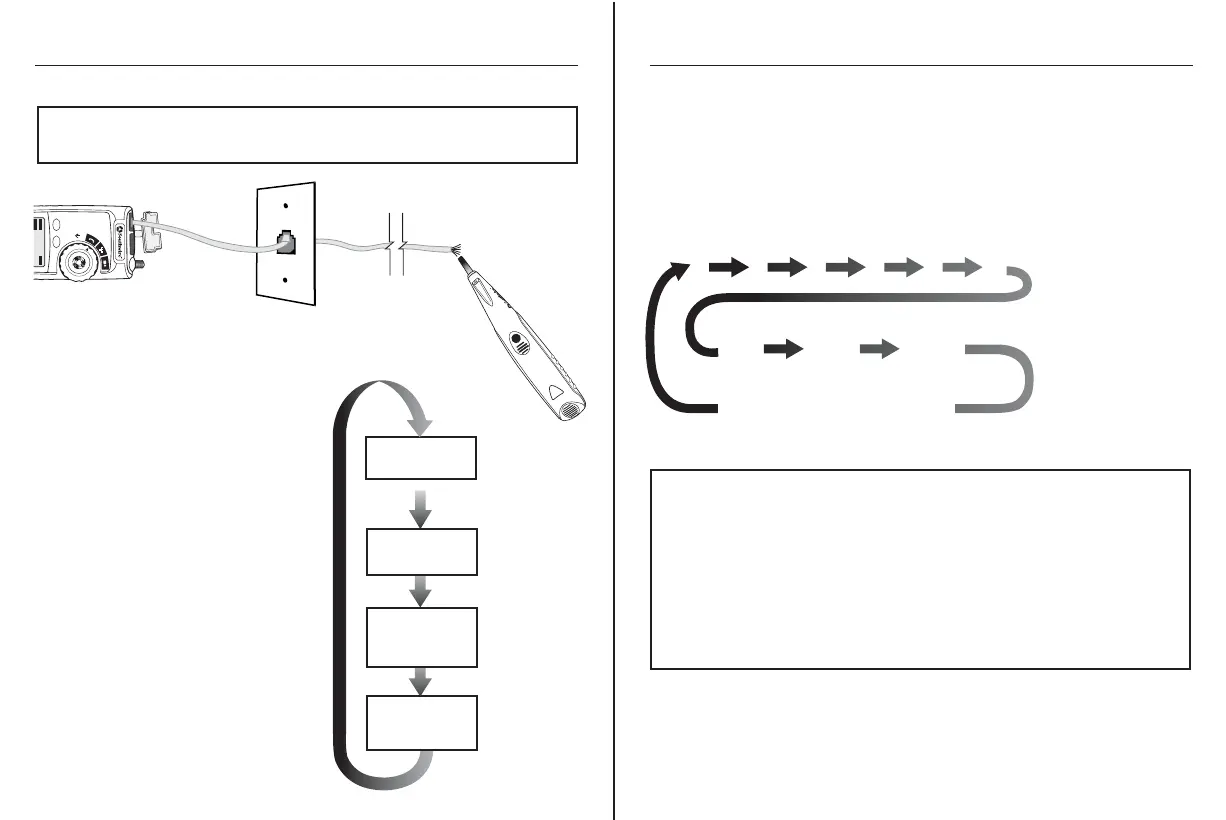
Using the Tone Generator to Trace a Phone Line
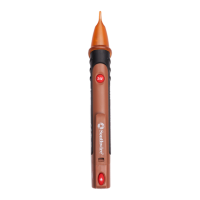
NOTE: It is necessary to use a separate amplifier probe
Southwire Model T120AP (
sold separately) in order to hear the tone.
NOTE: When tracing a cable run from the tone generator to the end of the
cable, applying the tone on a single pin will allow the tone to be detected at a
greater distance from the cable. When trying to locate a cable in an equipment
room or patch panel, sending the tone through all 8 pins or a single pair will
limit the tone signal from spreading to other nearby cables. The tone will be
loudest when the probe tip is placed directly on the wires the tone is being
sent through at the end of the cable. When sending a tone through a single pair,
verification can be made by shorting the suspected pair. The tone will be very
faint when the pair the tone is being sent through is shorted.
1. Connect the cable under test to
the RJ11/RJ12 port on the tester.
2. Set the rotary function switch to
the Voice position.
3. Press the MODE button to activate
the Tone Generator.
4. Repeatedly press the Mode button
to select the desired tone.
Refer to sequence chart (A)
for explanation of tone selection.
Using the Tone Generator to Trace a Phone Line cont.
5. The connector pins the tone is being sent through will be shown on the
bottom of the display. Repeatedly press the CYCLE button to select the
desired pins. Refer to sequence chart (B) below for explanation of
pin selection.
(A)
TEST MODE
Lo:
Low pitch tone
HI 2:
Warbling tone
HI 1:
Alternating High/
Low pitch tone
TONE MODE
Lo
TONE MODE
HI 1
TONE MODE
HI 2
(B)
1
1 6 2 5 3 4
2 3 4 5
6
Tone will be sent through
selected pin
Tone will be sent through
selected pair
Tone will be sent
through all 6 pins
1 2 3 4 5 6
M300P
CYCLE
MODE
Test
Voice
Amplifier Probe



 To Next Page