Hardware Setup SY-6BA+
22
Step 15. Power On
You have now completed the hardware installation of your
Motherboard successfully.
1. Turn the power on
2. To enter the BIOS Setup Utility, press the <DEL> key while the
system is performing the diagnostic checks,
Note: If you have failed to enter the BIOS, wait until the boot
up sequence is completed. Then push the RESET button and
press <DEL> key again at the beginning of boot-up, during
diagnostic checks.
Repeat this operation until you get the following screen.
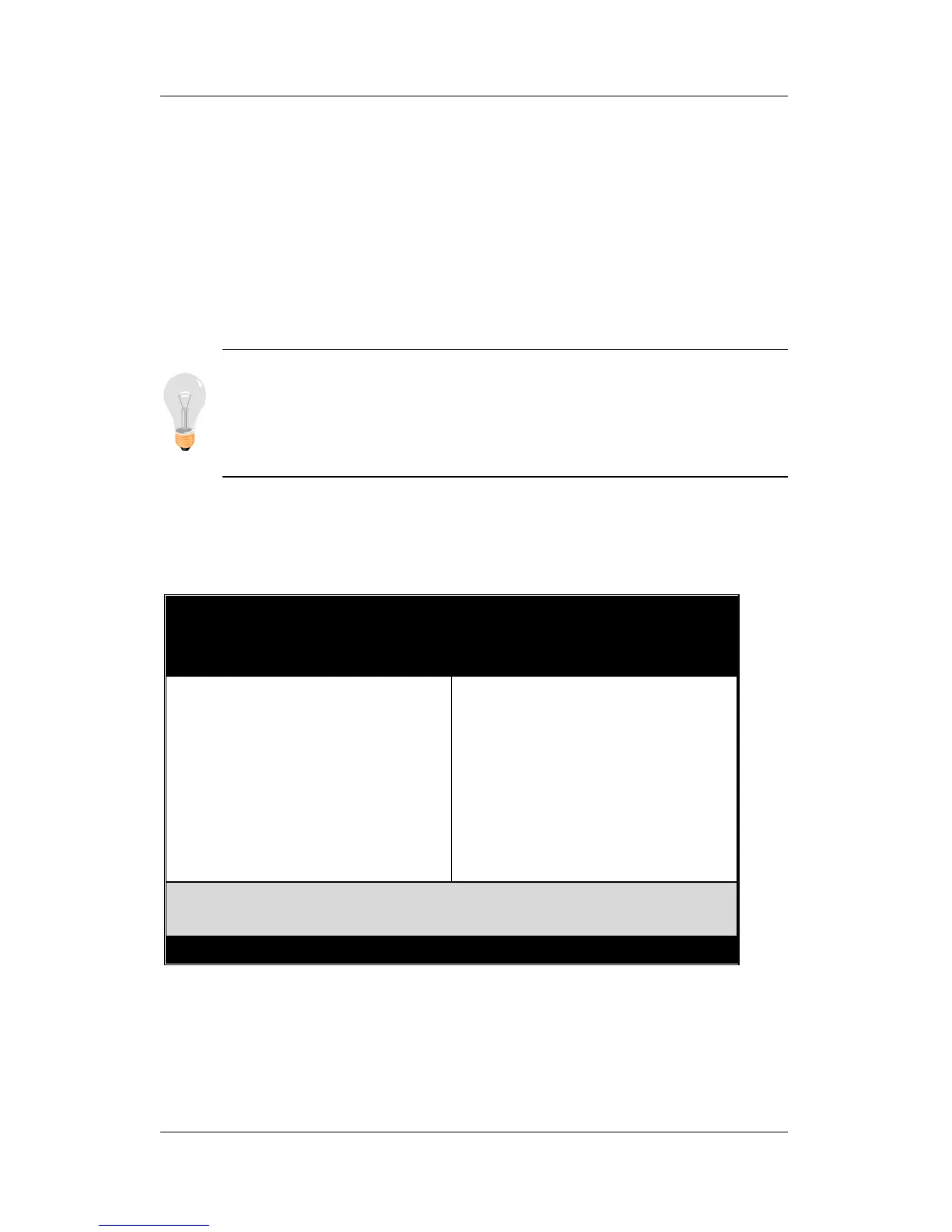
3. The BIOS Setup screen appears:
ROM PCI/ISA BIOS
CMOS SETUP UTILITY
AWARD SOFTWARE, INC.
SOYO COMBO SETUP
STANDARD CMOS SETUP
BIOS FEATURES SETUP
CHIPSET FEATURES SETUP
POWER MANAGEMENT SETUP
PNP/PCI CONFIGURATION
LOAD SETUP DEFAULTS
INTEGRATED PERIPHERALS
SUPERVISOR PASSWORD
USER PASSWORD
IDE HDD AUTO DETECTION
SAVE & EXIT SETUP
EXIT WITHOUT SAVING
Esc
F10
: Quit
: Save & Exit Setup
↑
↓
→
←
(Shift) F2
: Select Item
: Change Color
Time, Date, Hard Disk Type…



 To Next Page