Hardware Installation
SY-K7VEM+
35
4. Cooling Fan Installation
(1) CPU Cooling Fan
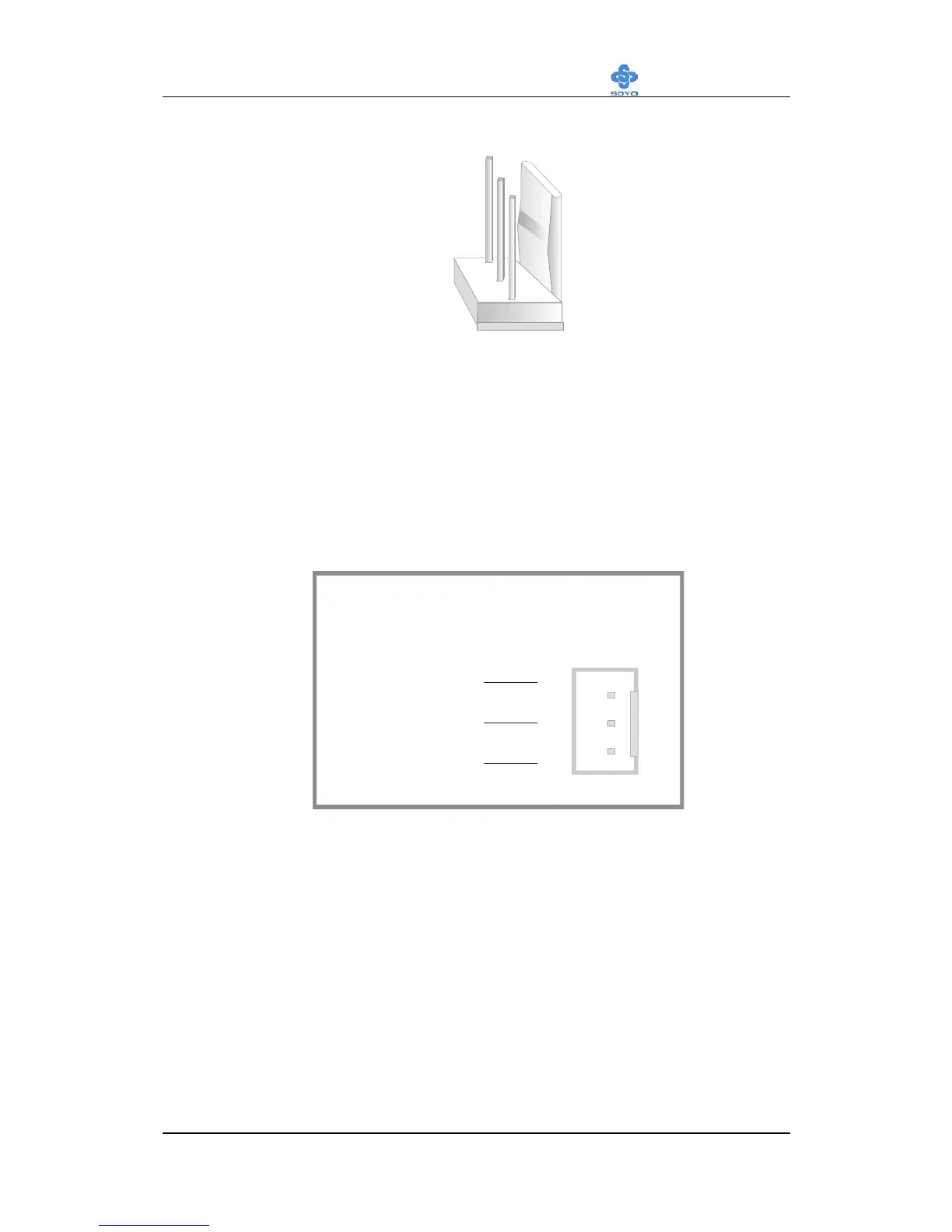
After you have seated the CPU properly on the processor, attach the 3-pin
fan cable to the CPUFAN connector on the Motherboard. The fan will stop
when the system enters into Suspend Mode. (Suspend mode can be
enabled from the BIOS Setup Utility, [POWER MANAGEMENT] menu.)
To avoid damage to the system, install according to the following pin
assignment:
CPU Cooling Fan
CPUFAN1 Pin Assignment
SENSOR
12V
GND 1
3
2



 To Next Page