19
- The default security password is 0000.
- If you access "Password for menus" and enable this option, you will block access
by requesting a password to access the defined phone functions.
c. SIM configuration
For configuring the dual SIM operation mode.
d. Smart Help
This option allows you to access the Smart Help features: Remote Configuration,
Smart Ringtone and Smart Notifications.
For detailed information on these functions, see section 11 "SMART HELP".
e. Restore configuration
Allows you to reset the phone settings to factory defaults. You must enter the
phone settings password, which is 0000 by default.
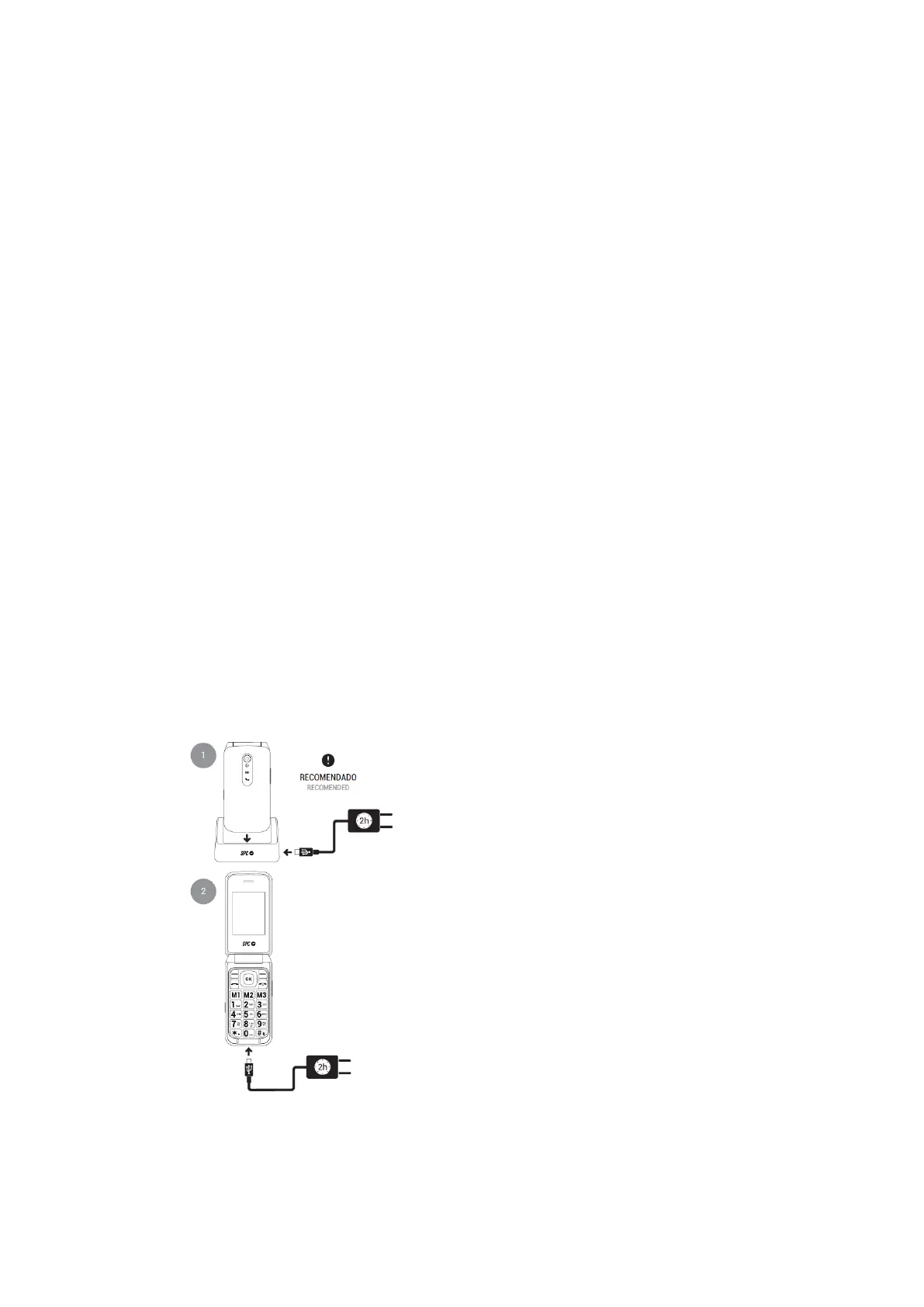
16. BATTERY AND CHARGING PROCESS
To charge the phone, you have two options:



 To Next Page