4
3. USEFUL TIPS
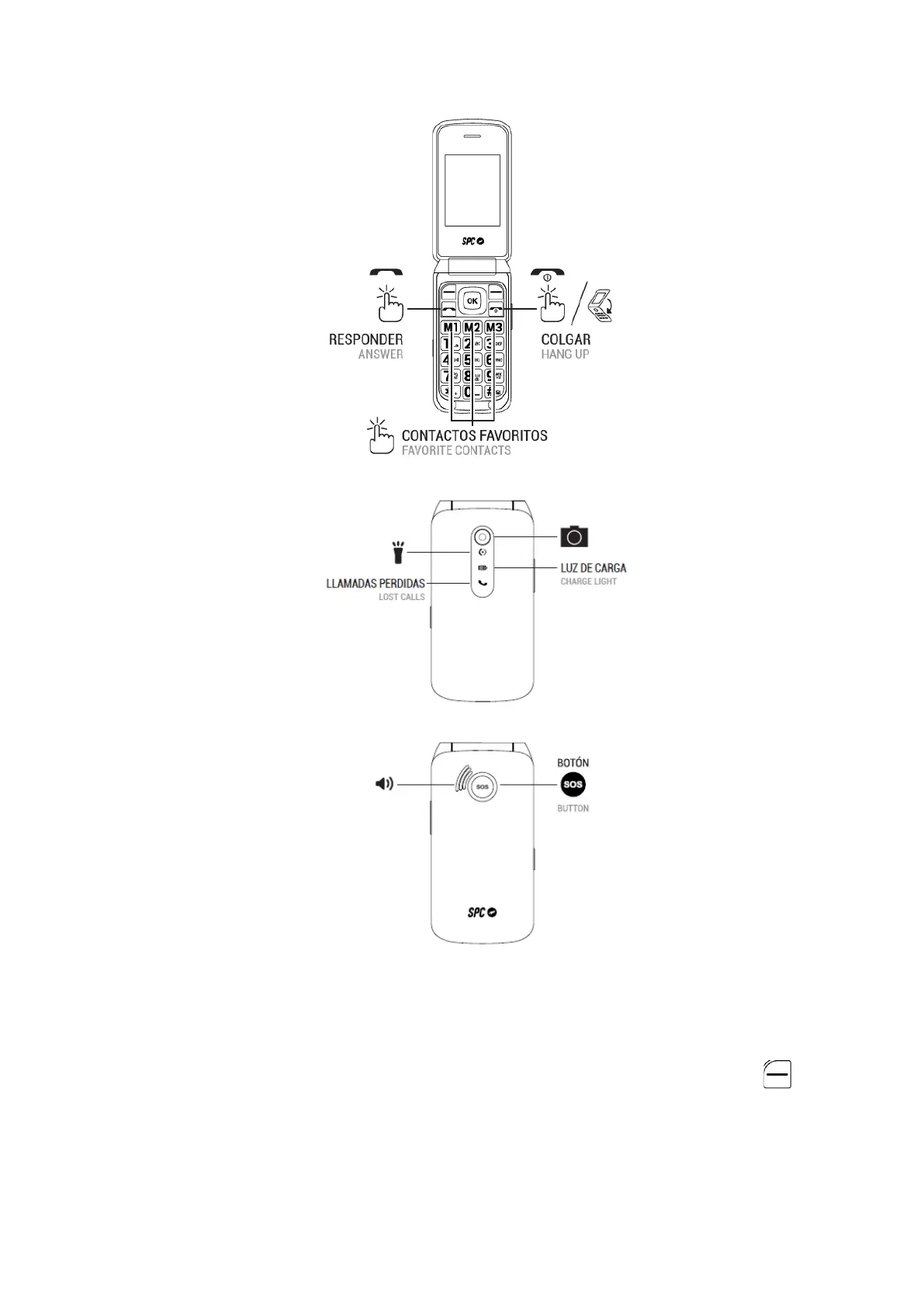
- To access the main menu, open the cover and press the upper left button
while the phone is in standby mode.
- Press the structured corners of the middle OK button up or down to navigate
through the main menu and the various submenus.
- The top left button performs the action shown at the bottom left of the screen.



 To Next Page