8
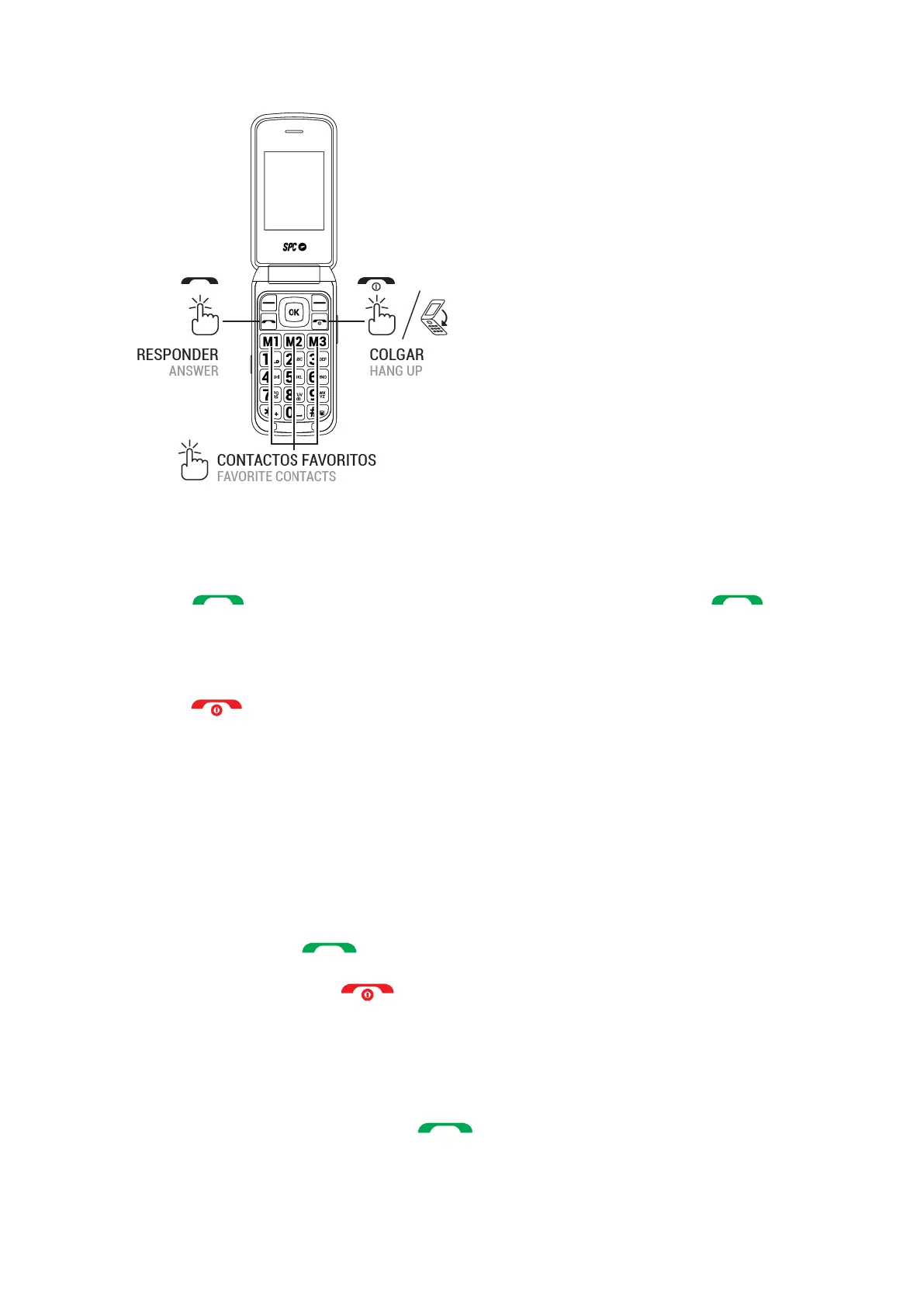
1. Dial the number you want to call.
Press "Delete" to delete the incorrectly entered digits.
3. Press and select the SIM card you want to use to make the call. Press .
Enter the desired number using the keypad. If the number is stored in the address book, the
name of the contact is displayed on the screen.
5. press to end the call.
Call a contact from the address book
On the home screen, press "Address Book" with the right soft key. The screen displays the
list of contacts in alphabetical order.
Use the up/down keys of the controller to move to the appropriate contact in the list.
3. Press the call button to call the selected contact.
4. Press the hang-up button to end the call.
Call from history
With the phone switched on, press the key to show the list of sent calls. You can
also access the call list from the main menu.



 To Next Page