6
- Insert the battery by matching the gold contacts on the phone and the battery.
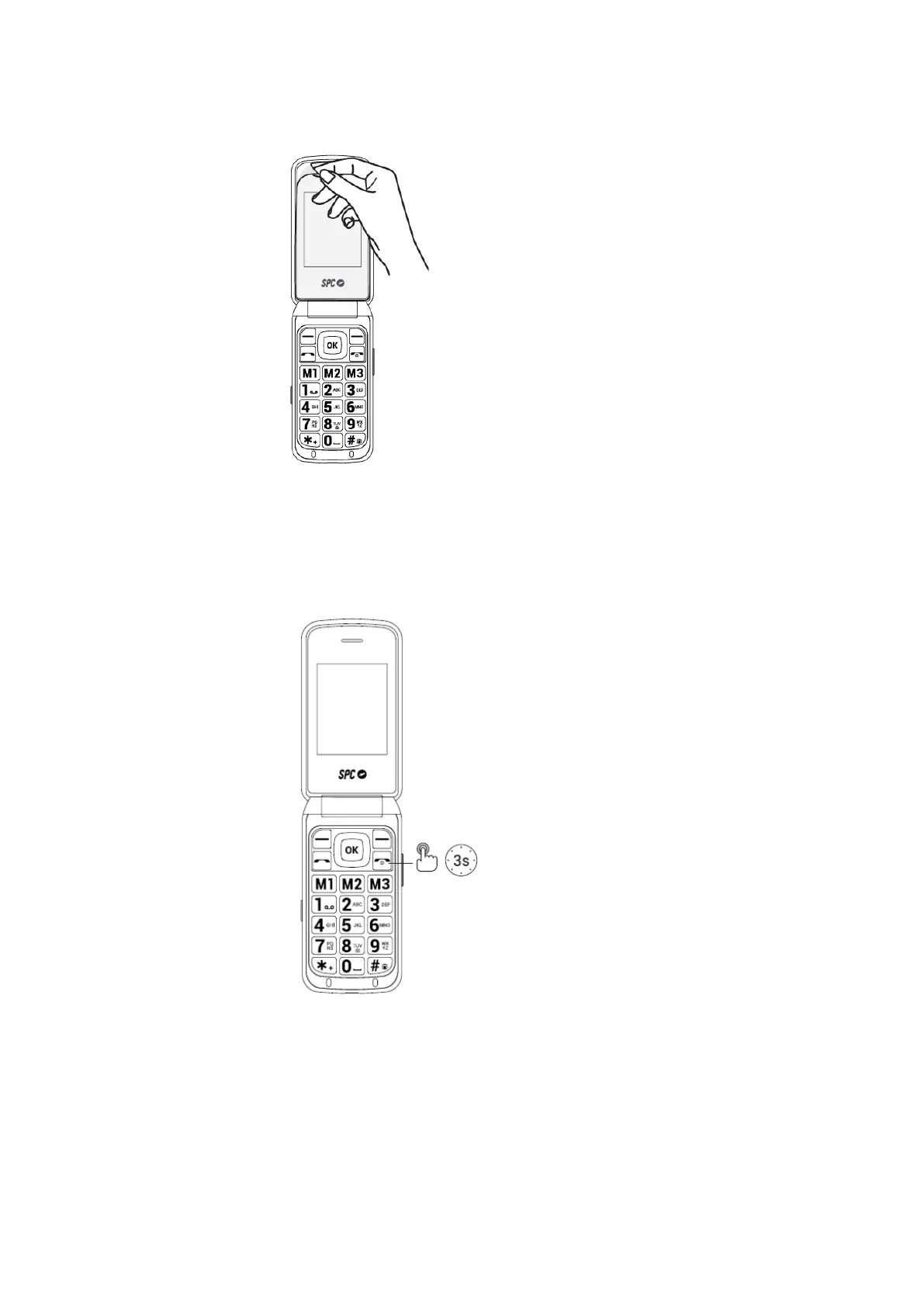
- Remember to remove the screen protector before using the device.
5. SWITCH ON PHONE
- Press and hold the power button for a few seconds to turn on the phone.
- Enter the PIN displayed on your SIM card. If two SIM cards are inserted, the phone
will first ask for the PIN of SIM 1 and then SIM 2.
- Press and hold this button to turn off the phone.



 To Next Page